
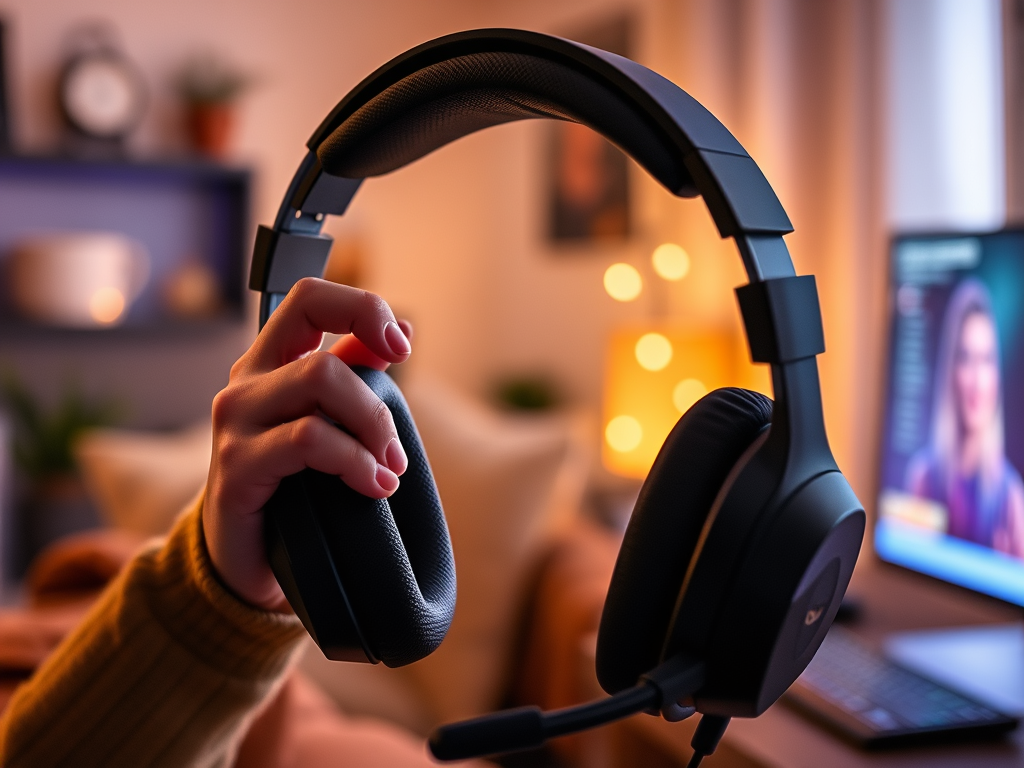
You finally buy a gaming headset, plug it in, and jump into a match—only to realize something feels off. The sound is muddy. Teammates complain about your mic. Your ears hurt after an hour. Suddenly, gaming feels more frustrating than fun.
Most beginners assume a gaming headset should “just work.” In reality, small setup and usage mistakes—often made without realizing it—quietly ruin the experience. The good news? These mistakes are easy to fix once you know what to check. Correcting them early keeps gaming comfortable, clear, and enjoyable as a hobby.
If you want the full picture of choosing and using a headset properly, our Beginner’s Guide to Gaming Headsets is a great starting point.
Mapping the Headset
When I bought my first gaming headset, I thought, “It’s a popular brand—this should be perfect.” It had a built-in microphone, inline volume controls, and a long cable. I plugged it in and started playing.
Immediately, something felt wrong. Game sounds were quiet, teammates said my mic sounded bad, and I kept adjusting settings mid-match. After a few sessions, my ears felt tired and gaming started to feel like work.
Nothing was wrong with the headset itself. Once I learned the basics—proper fit, volume balance, mic positioning, and simple settings—the experience changed completely. The gear didn’t improve. My gaming headset setup did.
When you unbox your first gaming headset, use this simple setup mindset to avoid common beginner mistakes.
Quick Headset Setup Checklist
- Check for required software: Some headsets need drivers or companion apps for full functionality. Download only what’s required from the manufacturer.
- Test all hardware: Confirm the mic, volume controls, mute switch, and cable connection work properly.
- Adjust system audio: Select the correct input/output device in your computer or console settings.
- Tune in-game audio: Balance voice chat, effects, and music inside the game menu.
- Maintain your headset: Wipe ear cups and headband with a soft cloth. Use mild soap and water—avoid alcohol or harsh cleaners.
- Charge wireless headsets: Long sessions drain batteries quickly. Charge after every session to avoid mid-game shutdowns.
Most Common Gaming Headset Mistakes (and Fixes)
1. Poor microphone placement
Placing the mic directly in front of your mouth causes distortion. Position it slightly to the side, about 1–2 inches away.
2. Playing at maximum volume
Loud audio causes ear fatigue and distortion. Lower master volume and adjust individual sound levels instead.
3. Ignoring in-game audio settings
Default mixes are rarely ideal. Adjust voice, effects, and music separately for clarity.
4. Wearing the headset incorrectly
Headsets should rest evenly—not clamp tightly. Adjust the headband so pressure is balanced.
5. Skipping mic and sound tests
Always test before entering multiplayer. Five seconds saves frustration later.
6. Overbuying features
RGB lights, surround sound modes, and extra buttons aren’t required. Comfort and clarity matter far more for beginners.
Gaming headsets aren’t about perfection—they’re about removing friction so you can enjoy longer, smoother sessions.
Tiny Headset Adjustments
Before your next session, take five minutes to check mic placement, volume balance, and overall comfort. These small adjustments can completely change how gaming feels.
To keep building your setup the smart way, explore more beginner-friendly guides in our Setup Zone and enjoy gaming as a hobby without unnecessary frustration.
Leave a Reply