Gaming Insights
Learn about gaming through helpful guides, tips, and stories
-

Gaming Laptop Frame Rate Drops: How to Investigate Stuttering and Slow Performance
If a game suddenly feels choppy or slow, first note when it happens and what you…
-
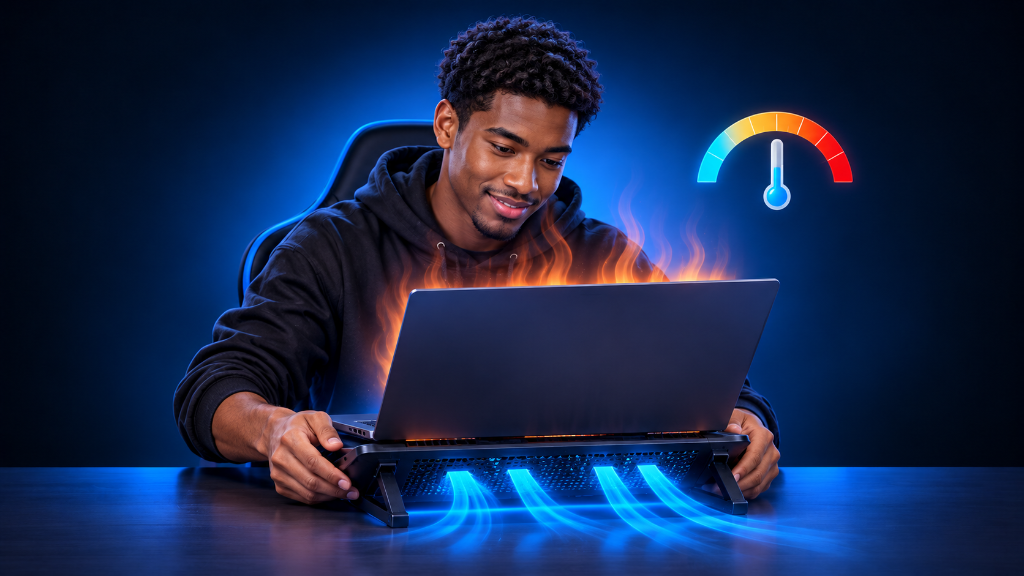
Gaming Laptop Overheating: What to Do When Your Laptop Gets Too Hot While Gaming
If your gaming laptop feels unusually hot, stop the game and let the laptop cool before…
-
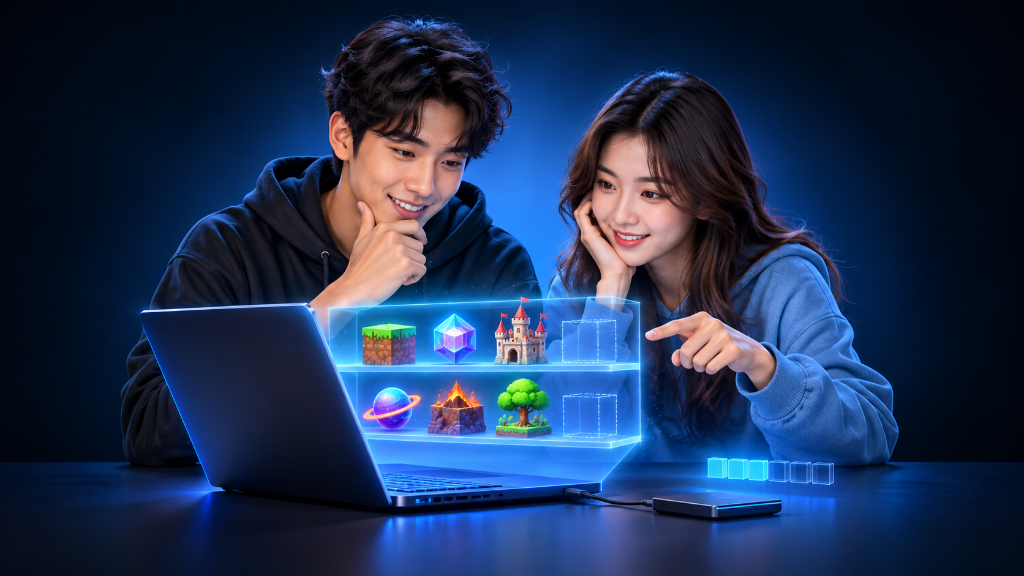
Gaming Laptop Storage Space: How to Choose Enough Room for Your Games
To choose enough storage, add up the space needed by the games you want installed at…
-

Gaming Laptop Screen Refresh Rate: How to Choose a Display for Your Play Style
To choose a gaming laptop’s refresh rate, start with the games you play and how much…
-
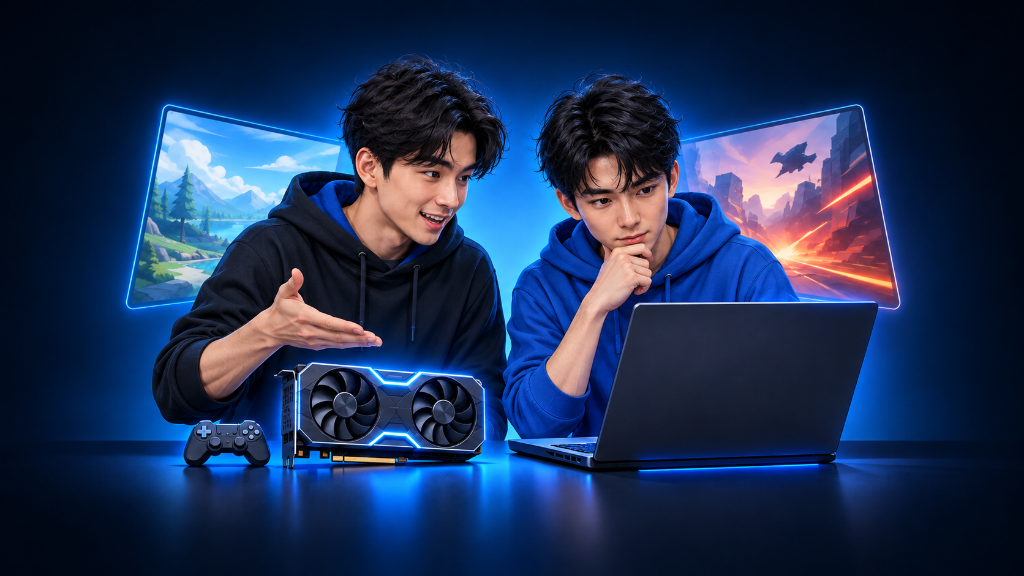
Gaming Laptop Graphics Cards: How to Choose a GPU for your Favorite Games
To choose a gaming laptop GPU, start with the games you want to play and how…
-
Candy Cane Lane Meets Cozy Gaming: A Gingerbread Gamer for the Holidays
This retro pixel-art gingerbread gamer, complete with a headset and a Candy Cane Lane backdrop, brings…
-
Meet the Pixel Polar Bear Bringing Holiday Cheer to Game Night
This cheerful pixel-art polar bear gamer pairs a tilted Santa hat with an oversized controller for…
-

Gaming Laptop CPUs for Beginners: How to Choose What You Need
To choose a gaming laptop CPU, start with the games you want to play and anything…
-
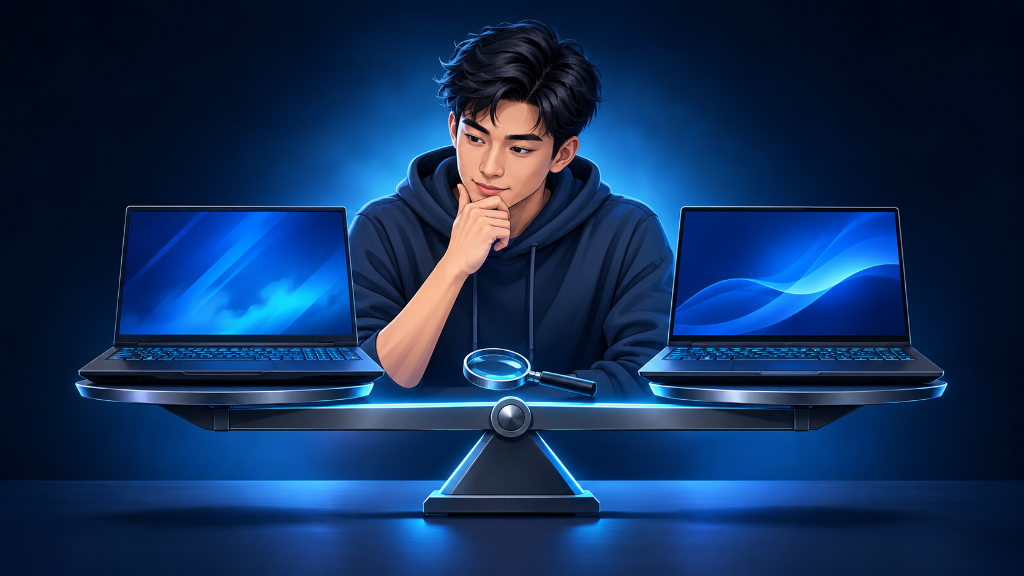
How to Compare Two Gaming Laptops Before You Buy
To compare two gaming laptops, first check whether both meet your essential needs: they fit your…
-
Gaming Laptop Windows Display Settings: How to Adjust Brightness, Resolution, and Refresh Rate
To adjust your gaming laptop’s display, open Windows Settings → System → Display. Start by checking…