
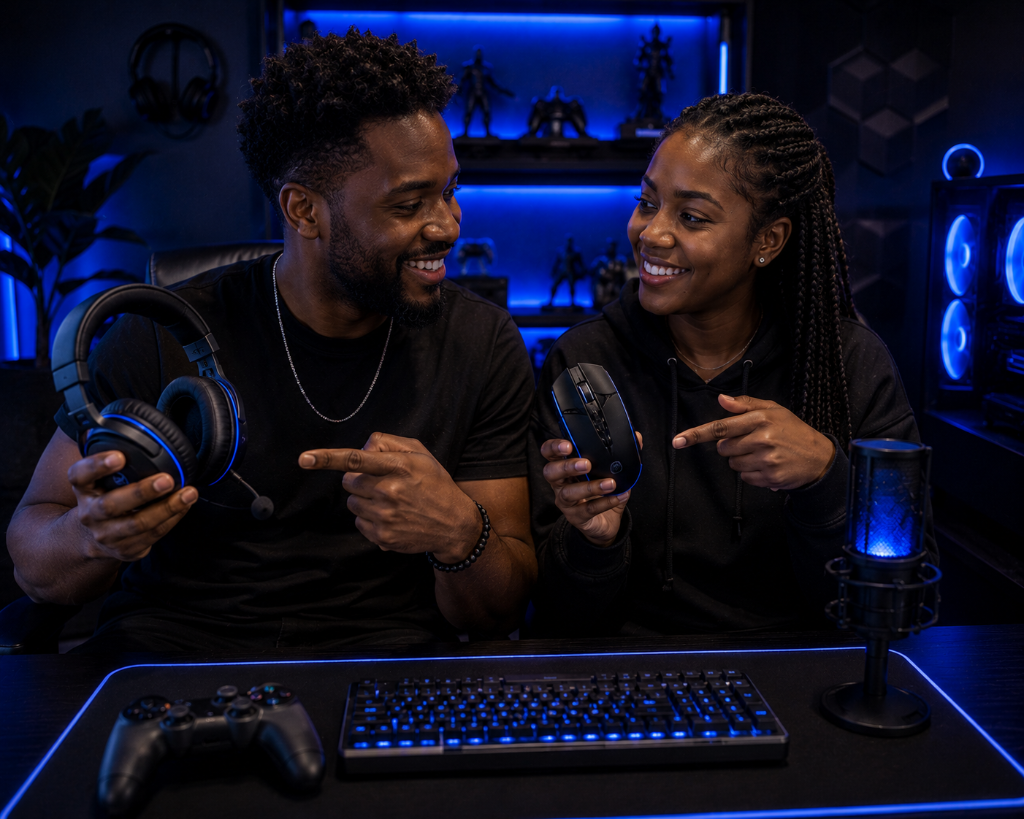
Upgrading gaming accessories can feel tempting when your setup starts feeling imperfect.
Maybe your headset feels uncomfortable. Your controller battery keeps dying. Your mouse pad feels too small. Your chair feels stiff. Your cables are messy. Your lighting looks plain. Or you see another setup online and suddenly your own setup feels incomplete.
For builders and hobbyists, this is a common Setup Zone problem.
The issue is not always that your accessories are bad.
The issue is knowing whether the accessory is actually limiting your performance, comfort, or usability.
Video games as a hobby become easier to enjoy when upgrades solve real problems instead of creating more spending, clutter, or confusion.
The goal is simple:
Fix what you can. Adjust what still works. Upgrade only when the accessory is clearly holding the setup back.
If you are still learning what makes a good gaming accessory, our Beginner’s Guide to Gaming Accessories walks through the basics.
From Scattered to Precise
Imagine a beginner gamer who starts improving their setup.
They buy a basic headset, a controller, a mouse pad, and a few desk accessories. At first, everything works well enough. But after a few weeks, they start noticing small frustrations.
The headset presses too hard during longer sessions. The controller cable is always in the way. The mouse pad feels cramped. The chair makes their back stiff. The desk looks messy compared to setups online.
They start thinking, “Maybe I need to upgrade everything.”
But that can lead to buying too fast.
A more methodical builder slows down and diagnoses one problem at a time.
They ask:
“What is actually limiting my experience?”
The mouse pad is too small, so they upgrade that first. The controller is fine, but the charging routine is poor, so they fix the cable placement instead of buying a dock. The chair is not perfect, but adding lower back support helps.
They do not upgrade because the setup looks incomplete.
They upgrade when an accessory creates repeat friction.
That is the smarter recovery path.
Upgrade when Friction Appears
The best time to upgrade is when gaming accessories limit the way you play.
Use this simple diagnosis:
Performance problem: the accessory makes it harder to control, react, hear, see, communicate, or play accurately.
Comfort problem: the accessory causes strain, soreness, pressure, fatigue, or awkward posture during normal use.
Usability problem: the accessory makes the setup harder to use, organize, charge, reach, clean, or return to.
If the problem fits one of those three areas and keeps happening after basic adjustments, an upgrade may make sense.
But if the issue is mostly visual, trendy, or based on comparison, wait.
A setup does not need to look finished to be working. It needs to support the way you actually play.
The Fix → Adjust → Upgrade Path
Before buying anything, use this order:
Fix first.
Move the accessory, adjust settings, clean the space, reroute cables, change placement, shorten sessions, or test a different layout.
Adjust second.
Add simple support if needed. Use a cable clip, cushion, mouse pad, headset stand, longer cable, better lighting angle, or storage spot.
Upgrade last.
Buy a better accessory only when the current one still creates problems after fixing and adjusting.
This prevents the most common upgrade mistake: replacing something before you know whether the accessory is the real problem.
Sometimes the headset is fine, but the volume, fit, or cable route needs adjustment.
Sometimes the chair is fine for short sessions, but the screen height or lower back support is wrong.
Sometimes the controller is fine, but the charging habit needs a better routine.
Sometimes the desk looks messy, but the real issue is cable placement, not a new accessory.
When an Upgrade Makes Sense
Upgrade your headset if it stays uncomfortable, sounds unclear, or the microphone causes problems after fit, settings, and placement checks.
Upgrade your mouse pad if you keep running out of movement space, the surface feels inconsistent, or your mouse movement feels cramped during normal play.
Upgrade your controller setup if charging, grip comfort, stick drift, button problems, or cable placement keeps interrupting your sessions.
Upgrade your chair or posture support if discomfort keeps returning after adjusting screen height, seating position, back support, and session length.
Upgrade your lighting if glare, eye strain, or poor visibility keeps showing up after basic brightness and placement adjustments.
Upgrade your storage if you are constantly deleting games you actually play, not just because you want a larger library.
These are practical upgrade signals because they point to repeat friction.
That is different from upgrading because an accessory looks older, cheaper, or less impressive than someone else’s setup.
When Not to Upgrade Yet
Do not upgrade just because another setup looks cleaner, brighter, or more expensive.
Do not upgrade because you saw one sale or one recommendation.
Do not upgrade because you feel like a “real gamer” needs a certain accessory.
Do not upgrade when the accessory works fine and the problem only happens once.
Do not upgrade before checking placement, settings, comfort, and your actual gaming habits.
A new accessory should make the setup easier to use, more comfortable, more reliable, or more enjoyable.
If it does not clearly do one of those things, it can wait.
This is common and fixable. Most beginner setup problems do not require replacing everything. They require diagnosing the one piece that is creating friction.
Adjustment before Upgrade
Upgrading gaming accessories is like changing shoes for a hike: upgrade when your current pair hurts or fails on the trail, but do not upgrade just because new ones look better if the old ones still fit and get the job done.
Fix this now: choose one accessory you are thinking about upgrading.
Write down the exact problem it causes:
Performance, comfort, or usability.
Then try one adjustment before buying anything. Move it, change settings, reroute it, support it, clean it, or test a shorter session.
If the same problem keeps returning after that, upgrade with confidence.
If the problem disappears, you just saved money and made your setup better.
Once you adjust your accessories, try more setup strategies in our Setup Zone category page.
Leave a Reply