
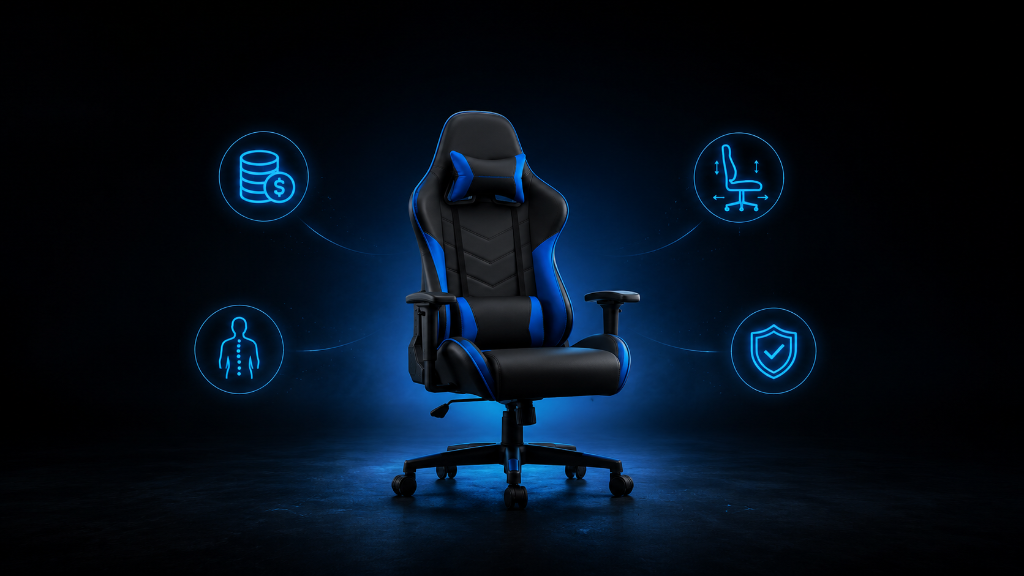
Buying a gaming chair can create a tricky question for beginners:
How much should I actually spend?
Some gaming chairs look affordable. Others cost as much as a full console, monitor, or major PC upgrade. When you are still building your setup, it can feel hard to know whether a higher price means better comfort or just better marketing.
You may wonder:
Am I being cheap if I buy a lower-cost chair?
Am I wasting money if I buy an expensive one?
Do beginners need premium features?
What price range is “good enough” for comfortable gaming?
The goal is not to buy the cheapest chair. The goal is also not to buy the most expensive chair.
The goal is to spend enough to get the comfort, support, and durability you need without paying for features that do not matter to your situation.
A gaming chair should help you sit comfortably, fit your setup, and support your normal gaming sessions. If it does that well, it is doing its job.
For most beginners, the best budget is the one that covers the essentials first: proper size, stable build, decent back support, useful adjustments, and material that fits your room and habits.
After that, extra features become optional.
That is where the decision becomes clearer.
You are not asking, “What is the best gaming chair?”
You are asking, “What is the right amount to spend for my comfort, setup, and gaming habits?”
If you’re still learning what makes gaming chairs comfortable, supportive, and worth the money, our Beginner’s Guide to Gaming Chairs: Comfort, Ergonomics & What Actually Matters walks you through the basics before you decide how much to spend.
The Chair That Cost More Than the Problem
A beginner decides it is time to upgrade their gaming setup.
They already have a desk, screen, controller, keyboard, or mouse. But their chair feels basic, so they start shopping for a gaming chair.
At first, the prices are confusing.
One chair is cheap and looks decent. Another costs much more but has extra pillows, a footrest, deeper recline, 4D armrests, premium material, and a bold design. The expensive chair feels like the “serious gamer” option.
So the beginner stretches the budget and buys the chair with the biggest feature list.
When it arrives, it looks impressive.
But after a few weeks, the beginner notices something.
They barely use the footrest. They do not recline very far. The extra pillow does not feel right. The fancy features looked exciting online, but only a few parts actually affect daily comfort.
The expensive chair was not terrible.
It just solved more problems than the beginner actually had.
That is the budget mistake many beginners make.
They do not overspend because they want to waste money. They overspend because they do not know which features are essential and which features are optional.
A better approach is to match the chair budget to the problem you are solving.
If your main problem is basic comfort, you do not need every premium feature.
If your main problem is long-session support, then better adjustability and stronger materials may be worth paying for.
The right budget depends on the job the chair needs to do.
Spend for Comfort Before Extras
A beginner should think about a gaming chair in layers.
The first layer is basic support.
This means the chair is stable, fits your body, supports your back, and lets you sit at a comfortable height. If a chair fails here, it is not a good deal even if it is cheap. A low price does not help if the chair feels bad, wobbles, or does not fit your setup.
The second layer is adjustability.
A chair becomes more useful when you can adjust the height, armrests, recline, tilt, and lumbar support. You do not need every advanced adjustment as a beginner, but you do need enough control to make the chair fit your body and desk.
The third layer is material and durability.
A chair that feels good for one week but wears down quickly is not really saving money. Seat material, cushioning, frame strength, wheels, and stitching all matter because a chair gets used repeatedly. Gaming is not the only thing that wears out a chair. Sitting, leaning, rolling, adjusting, and daily use all add up.
The fourth layer is extra features.
This includes footrests, deep recline, bold styling, special pillows, advanced armrests, RGB lighting, or premium branding. These features can be nice, but they should come after the basics. They should not be the reason you ignore fit, support, or comfort.
For beginners, a realistic chair budget should focus on the first three layers before the fourth.
A cheap chair may be enough if you only play casually, sit for shorter sessions, and already feel comfortable with your current setup.
A mid-range chair may make sense if you play often, sit for longer sessions, and need better support and adjustments.
A higher-priced chair may be worth it if you use the chair daily for gaming, work, studying, content creation, or long sessions where comfort truly matters.
The mistake is not spending more.
The mistake is spending more without knowing why.
A beginner should pay more when the extra money improves fit, support, adjustability, durability, or long-term comfort.
A beginner should be careful when the extra money mostly buys style, hype, or features they will rarely use.
The best gaming chair budget is not about impressing other people.
It is about protecting comfort, avoiding regret, and making your setup easier to use.
Set a Budget That Matches Your Needs
Use this checklist before deciding how much to spend on a gaming chair.
1. Start with your current problem
Ask:
Is my current chair uncomfortable?
Does my back feel tired after gaming?
Do my arms or shoulders feel awkward?
Is my chair too low, too high, too narrow, or unstable?
Do I need a chair only for gaming, or also for work and daily computer use?
The bigger the comfort problem, the more important it becomes to spend for support and fit.
2. Match your budget to your session length
Ask:
Do I usually play short sessions?
Do I often play for several hours?
Will I use the chair every day?
Will this chair also be used for work, school, or other computer tasks?
If you only play sometimes, a simple comfortable chair may be enough. If you sit for long sessions often, better support and adjustability become more valuable.
3. Pay for essentials first
Before paying for extras, check:
Does the chair fit my height and body size?
Does it have enough weight capacity?
Does the seat look wide and deep enough?
Does it offer decent lower back support?
Can I adjust the seat height?
Can the armrests support my arms comfortably?
Does the chair seem stable and durable?
These features matter more than colors, branding, or flashy design.
4. Treat extras as optional
Be careful paying more only for:
A footrest you may rarely use.
A deep recline you do not need.
Pillows that may not fit your body.
A design that looks cool but does not improve comfort.
Extra branding that raises the price.
Advanced adjustments you do not understand or will not use.
Extras are fine if the basics are already strong. They should not carry the whole decision.
5. Choose the right spending level
A lower budget may work if:
You play casually.
You sit for shorter sessions.
You mainly need a simple upgrade.
You found a chair that fits your body and setup.
You are not relying on it for daily long-term use.
A mid-range budget may work if:
You game often.
You want better comfort and support.
You need useful adjustments.
You want a chair that feels more reliable.
You want better material and build quality without going premium.
A higher budget may work if:
You sit for many hours regularly.
You use the chair for gaming and work.
You need stronger comfort features.
You care about long-term durability.
You have already checked that the chair fits your body and setup.
6. Use the regret test
Before buying, ask:
Will this chair solve my real comfort problem?
Am I buying it because it fits my setup or because it looks exciting?
Would a regular ergonomic chair solve the problem better for the same money?
Am I paying for useful features or mostly for style?
Can I explain why this chair is worth the price?
If you cannot explain why the chair is worth the price, pause before buying.
The right budget is the amount that gives you comfort, fit, and reliability without forcing you to pay for features that do not matter.
Spend Like You’re Solving a Setup Problem
Buying a gaming chair is like upgrading part of your gaming system.
You would not buy the most expensive controller if a comfortable beginner controller already fits your needs. You would not buy extra storage if your real problem was internet speed. The best upgrade is the one that solves the actual problem.
A chair works the same way.
Do not spend more just because the chair looks more serious.
Do not spend less if the chair will leave you uncomfortable.
Start with the problem.
Then match the budget to the use.
If you play casually, you may only need a simple chair that fits well.
If you play often, spend more attention on support, adjustability, and durability.
If you use the chair every day, it may be worth investing more because the chair affects more than gaming.
The best beginner budget is not the cheapest number.
It is the smartest number for your situation.
Pay for comfort first.
Pay for fit second.
Pay for adjustability and durability next.
Pay for style last.
That is how you avoid overspending without underbuying.
Once you separate necessary comfort features from expensive extras, the decision becomes easier.
You are no longer asking, “How much does a gaming chair cost?”
You are asking, “How much comfort do I actually need to buy?”
After understanding how to budget for a gaming chair without overspending, try more setup strategies in our Setup Zone category page.
Leave a Reply