
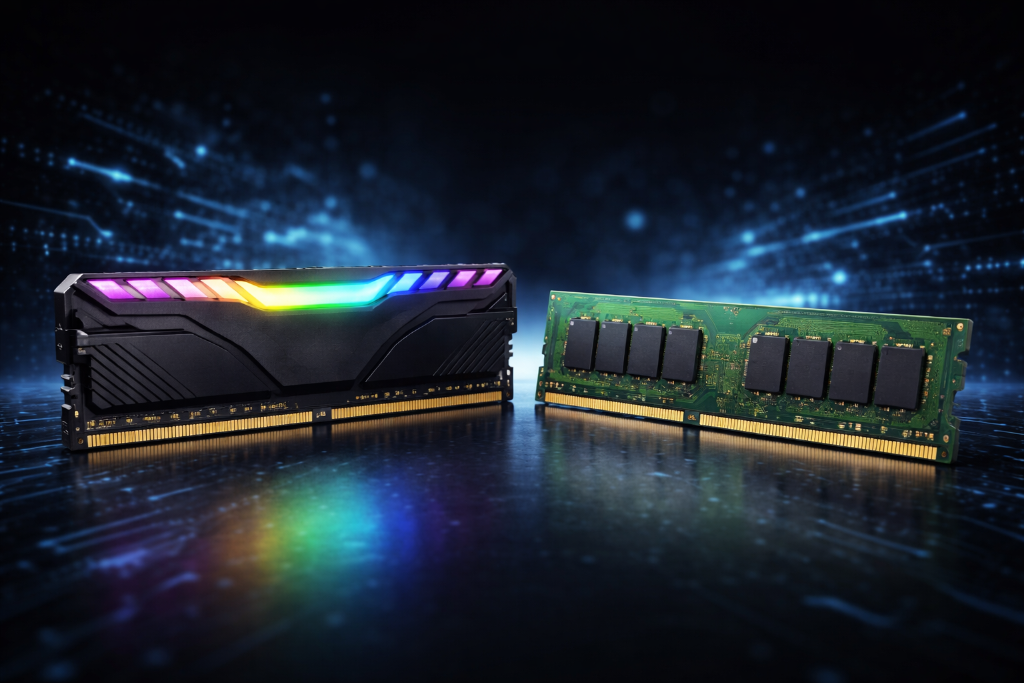
When starting video games as a hobby, RAM can feel confusing. Terms like GB, MHz, DDR4, DDR5, and dual channel all sound important—but hard to connect to real gameplay.
As a builder or hobbyist, you don’t need to memorize specs. You only need to understand this:
RAM controls how smoothly your system handles games while they’re running.
This guide translates RAM complexity into simple outcomes—so you can build your setup with clarity, control, and confidence.
If you’re new, start with How to Start Gaming as a Beginner—the true first step.
From Specs to Smooth Gameplay
A beginner builds their first setup with 8GB of RAM. At first, everything works. Games launch, menus load, and performance seems acceptable.
But over time, issues appear—stutters during gameplay, slowdowns when switching tasks, and occasional freezing. They assume the GPU is the problem.
Another beginner starts with 16GB. Their system handles games, background apps, and transitions smoothly. No interruptions.
The difference isn’t higher peak performance—it’s consistency under load.
RAM doesn’t usually increase your maximum FPS. It prevents your system from slowing down when multiple tasks compete for resources.
Translate RAM Specs Into Outcomes
Focus on what RAM does for your experience:
Capacity (priority #1)
- 8GB → minimum, may cause stutters in modern games
- 16GB → ideal baseline (smooth gaming + multitasking)
- 32GB → useful for heavy multitasking or newer demanding titles
Dual Channel (performance multiplier)
- 2 sticks (e.g., 2x8GB) → smoother performance
- 1 stick → reduced bandwidth, avoid if possible
Speed (secondary)
- Faster RAM can help in some games, but impact is situational
- Not a priority over capacity
DDR4 vs DDR5 (compatibility first)
- DDR4 → stable, affordable
- DDR5 → newer, but only works with supported systems
Key Principle:
Get enough RAM first (16GB, dual channel), then consider speed and type.
Reduce Overwhelm
Ignore early:
- Extreme RAM speeds and fine tuning
- CL timings and latency optimization
- Overclocking
- “Future-proofing” beyond your current needs
Focus on capacity, dual channel, and compatibility.

Common RAM Mistakes
Too little RAM (8GB in modern setups)
→ Meaning: Stutters, slow loading, unstable multitasking
→ Why: System runs out of usable memory
Single stick (no dual channel)
→ Meaning: Lower performance than expected
→ Why: Limited memory bandwidth
Wrong RAM type (DDR4 vs DDR5)
→ Meaning: System incompatibility or forced downclocking
→ Why: Motherboard mismatch
Chasing speed over capacity
→ Meaning: No noticeable improvement
→ Why: Misunderstanding real impact
Builder Mindset
- Start with a stable baseline (16GB, dual channel)
- Play and observe system behavior
- Identify slowdowns or multitasking limits
- Adjust usage (close apps, optimize settings)
- Upgrade only if limitations remain
You build stability first—then refine performance.
Before You Buy
- Do my games recommend 16GB or more?
- Will I multitask (browser, Discord, streaming)?
- Does my motherboard support DDR4 or DDR5?
- Am I buying RAM in matched pairs (dual channel)?
While Playing
- Do I notice stutters during gameplay or transitions?
- Does my system slow down with multiple apps open?
- Are background apps affecting performance?
After Issues Appear
- Is RAM the bottleneck, or is it GPU/CPU-related?
- Does closing apps improve performance?
- Would upgrading to 16GB or 32GB solve the issue?
You’re Doing It Right
RAM feels technical because of how it’s presented—but in practice, it’s simple.
If your system feels smooth and stable, your RAM is doing its job.
You don’t need perfect specs.
You need enough memory to support your gaming habits consistently.
Build a Stable Foundation First
Think of RAM as your system’s working space. More space doesn’t make things faster—it prevents things from slowing down.
Start with a solid baseline. Test your setup. Improve only when needed.
Video games as a hobby reward clarity, control, and methodical upgrades—not unnecessary complexity.
Continue your journey in the Next-Level Gaming section, where your setup evolves into a complete, optimized system.
Leave a Reply