
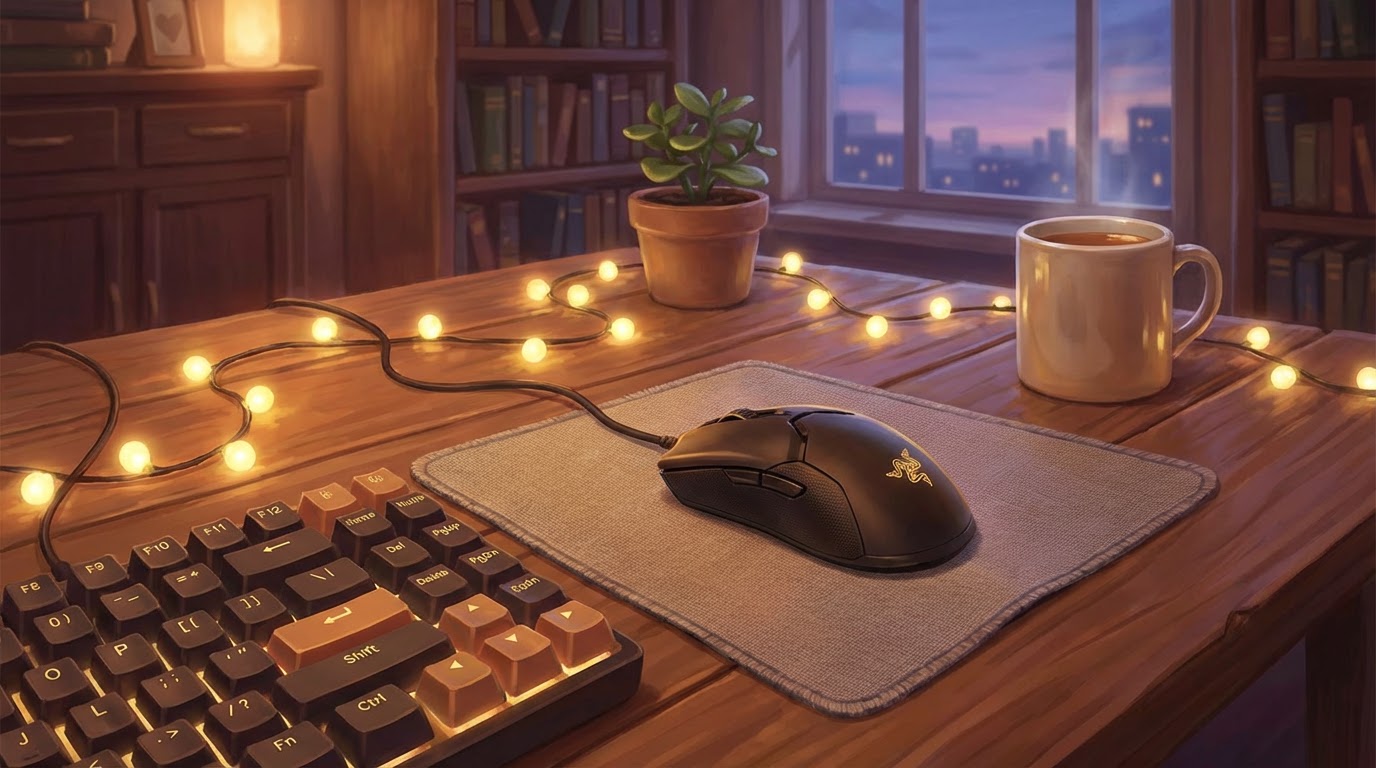
You sit down to build your first gaming setup and quickly realize there are dozens of gaming mice to choose from. Lightweight, ultra-lightweight, 20,000 DPI, adjustable weights, RGB lighting, 12-button side panels—it feels like you need a technical manual just to choose one.
But gaming as a hobby isn’t about owning the most advanced hardware. It’s about selecting tools that feel comfortable, predictable, and supportive while you build skill over time. The right mouse reduces friction. The wrong one quietly adds it.
If you understand what each feature actually changes in real use, the decision becomes straightforward.
Looking for more details? Check out our “Beginner’s Guide to Gaming Mice” for a clearer picture.
Razer and SteelSeries
When I bought my first wired Razer gaming mouse, I focused on specifications. High DPI? Good. Extra buttons? Even better. It had RGB lighting and detachable grips. At $80, I assumed more features meant better performance.
After a few weeks, reality settled in. I only used two side buttons. I never touched the extreme DPI settings. What truly mattered wasn’t the spec sheet—it was how the mouse fit my hand and how consistent it felt during long sessions.
Four years later, I switched to a simpler wired SteelSeries mouse at roughly half the price. Fewer features. No flashy extras. Just solid tracking, comfortable shape, and reliability. It performed just as well for my needs.
That’s when I understood something important:
Performance starts with fit and consistency—not complexity.
What Actually Matters When Choosing
If possible, physically test a mouse in-store. Hold it. Rest your hand on it. Click the buttons. Shape matters more than marketing.
Here’s how to evaluate a gaming mouse as a beginner:
Shape and Size (Most Important)
Mouse size and shape determine comfort and control.
- Palm grip → fuller, larger mice
- Claw grip → medium size with back support
- Fingertip grip → smaller, lighter mice
If the mouse doesn’t fit your natural grip, no sensor or DPI number will fix that.
Sensor Quality (Tracking Consistency)
A good optical sensor ensures your movements translate accurately on screen.
What this does for you:
- Prevents skipping during fast swipes
- Keeps micro-adjustments precise
You do not need extreme DPI numbers. Adjustable DPI (for example 400–3200) is more than enough for beginners. Higher maximum DPI is mostly marketing unless you use very high-resolution monitors.
Weight
Weight affects fatigue and movement feel.
- Lightweight (60–80g) → easier flicks, less wrist strain
- Heavier (90g+) → more stability, slightly slower movement
Neither is objectively better. Choose what feels balanced during extended sessions.
Buttons
Two programmable side buttons are enough for most new players.
More buttons:
- Help in MMO or strategy games
- Can add complexity for beginners
Start simple.
Wired vs Wireless
Modern wireless gaming mice are highly reliable with very low latency.
- Wired → no charging, usually cheaper
- Wireless → cleaner desk, more freedom of movement
Choose based on convenience and budget—not fear of lag.
Build Quality & Warranty
Check:
- Button firmness
- Scroll wheel stability
- Cable flexibility (if wired)
- At least 1–2 years of warranty
Durability matters in a hobby built on repetition.
Beginner Rule
Prioritize:
- Comfort
- Reliable tracking
- Simple layout
- Reasonable price
Ignore:
- Extreme DPI numbers
- Excessive buttons
- Features you won’t use
A mid-range mouse from a reputable brand is often the most practical starting point.
Select the Right Tool
Picking a gaming mouse is like choosing a tool from a workshop. The best one isn’t the most complicated—it’s the one that fits your hand and helps you work smoothly.
Build your gaming hobby intentionally. Start with comfort and consistency. As your experience grows, your preferences will guide future upgrades.
Continue exploring the Setup Zone and refine your setup one practical decision at a time.
Leave a Reply