
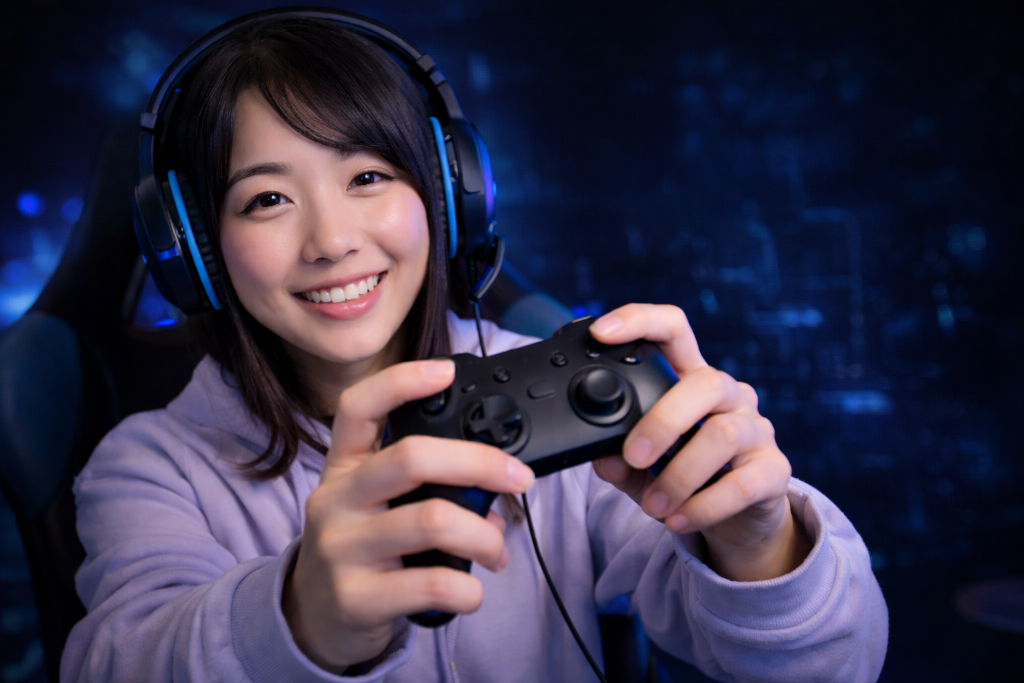
If your controller feels awkward after a few minutes, the problem is not always the game—it’s often how you’re holding it.
Your hands feel tense.
Your thumbs get tired.
Buttons feel harder to reach than they should.
In video games as a hobby, comfort is not optional. Poor hand position turns a simple session into unnecessary strain.
The good news: small adjustments can fix this immediately.
If you need a quick foundation first, check our Beginner’s Guide to Gaming Controllers to understand how controllers are designed to be used.
Control your Controller
A beginner starts playing and grips the controller tightly. Their thumbs press hard, their wrists stay stiff, and after one session their hands feel tired.
They assume controllers are just uncomfortable.
Another beginner makes a few small adjustments. They loosen their grip, let their palms rest naturally on the grips, and keep their thumbs light on the sticks and buttons.
Within minutes, the controller feels easier to control. The difference wasn’t the controller. It was how it was being used.
Fix Your Grip Step-by-Step
Use this sequence right now:
Step 1: Relax Your Grip
- Hold the controller securely, but not tightly
- Let your palms rest fully on the grips
- Keep wrists neutral (not bent inward or upward)
You’ll know this is working if:
- Your shoulders and hands feel less tense
- The controller feels supported, not forced
Step 2: Lighten Thumb Pressure
- Rest your thumbs lightly on sticks and buttons
- Use gentle movements instead of pressing hard
- Avoid “mashing” inputs
You’ll know this is working if:
- Movements feel smoother and more precise
- Thumb fatigue decreases quickly
Step 3: Align Finger Position
- Keep index fingers resting naturally on triggers
- Do not stretch or hover your fingers
- Adjust controller position slightly if needed
You’ll know this is working if:
- Buttons feel easier to reach
- Your hands stop shifting during play
Step 4: Micro-Adjust for Fit
- If thumbs feel stretched → loosen grip slightly
- If hands feel cramped → shift controller deeper into your palms
- Adjust one change at a time
You’ll know this is working if:
- The controller feels stable without constant repositioning
Step 5: Test in a Short Session
- Play for 5–10 minutes
- Focus on comfort, not performance
Check for:
- hand tension
- thumb fatigue
- control consistency
You’ll know this is working if:
- You stop thinking about your hands
- Control feels natural instead of forced
Take Action
Hold the controller with relaxed hands, rest your palms on the grips, and keep your thumbs lightly positioned on the sticks and buttons without pressing too hard.
Key Principle
Comfort improves control. Tension reduces precision.
A Cozy Controller
A controller should feel like a well-fitting glove—supported in your palms, flexible in your fingers, and never tight enough to create pressure or loose enough to shift.
Pick up your controller right now and run a 2-minute comfort check:
- Loosen your grip
- Rest your palms fully on the grips
- Lighten your thumbs on sticks and buttons
Then play for a few minutes.
If your hands feel calmer and your movements feel smoother, your grip is working.
Once your controller feels natural, continue refining your setup in the Setup Zone to build a fully comfortable gaming experience.
Leave a Reply