
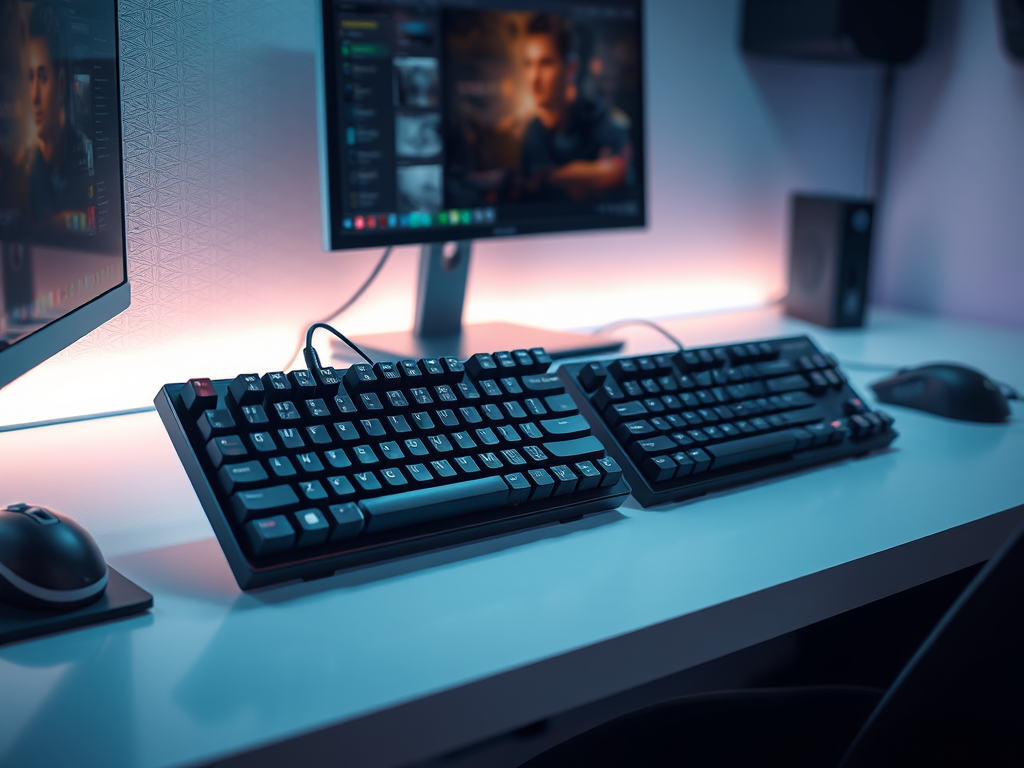
When building your first gaming setup, keyboard size seems like a small detail—until your desk feels cramped or your mouse keeps bumping into the keyboard. Full-size, TKL, 60%… the labels alone can feel overwhelming.
For new gamers treating gaming as a hobby, keyboard size isn’t about trends or competitive advantage. It’s about space, posture, and how you actually use your setup. The right size reduces friction. The wrong size creates it.
If you want a stronger foundation, our Beginner’s Guide to Gaming Keyboards covers the basics first.
The Keyboard Path
When I first started gaming, I used a standard office keyboard. It worked fine for typing and everyday tasks. Later, I bought a full-size keyboard without thinking about layout. It had everything—number pad, media keys, extra buttons.
But something felt off.
My mouse space felt tight. During longer sessions, my right arm sat farther from my body because the keyboard pushed it outward. It almost felt like playing a piano—too many keys, too much reach.
Later, I tried a smaller Logitech keyboard and immediately noticed more mouse room and a more relaxed posture. Nothing about my skill changed—but the gaming keyboard setup felt easier to use.
That’s when I realized keyboard size isn’t about performance. It’s about fit and desk balance.
Gaming as a hobby improves when your tools quietly support your routine instead of getting in the way.
Understanding Keyboard Sizes
Before choosing a size, think about:
- How much desk space do you have?
- Do you use the number pad regularly?
- Do you play mostly keyboard-heavy games or mix with a controller?
- How much mouse movement do your games require?
Full-Size Keyboards (100%)
- Includes number pad and full layout
- Best for mixed use (gaming + work/spreadsheets)
- Takes up the most desk space
- Familiar layout for most users
Best if you need the number pad and have enough desk space.
TKL (Tenkeyless) Keyboards
- Removes the number pad
- Frees up mouse space
- Keeps function keys and arrows
- Balanced and practical
Often the best middle ground for beginners. You keep most functionality while improving desk ergonomics.
60% Keyboards
- Compact and minimal
- No function row, no number pad
- Requires key combinations for missing keys
- Maximizes mouse space
Better for experienced users who are comfortable with shortcuts. Not ideal if you rely on dedicated function or arrow keys.
Customizing for Your Fit
Hand size matters less than reach and desk layout. Even people with large hands can use compact keyboards comfortably. The real factor is whether your shoulders and wrists feel relaxed during play.
Quick Buying Checklist
- Decide if you truly need a number pad
- Check your desk width and mouse pad size
- Consider how much mouse movement your games require
- Prioritize comfort over extra keys
Beginner Rule:
Start with comfort and clarity. TKL is often the safest middle ground.
A Cozy Keyboard
A gaming keyboard is like a musical instrument—each key is a note. But the instrument must fit the player.
Choose a keyboard size that supports your desk space, posture, and gaming habits—not just aesthetics. As your gaming hobby evolves, your preferences will guide future upgrades naturally.
For more hands-on setup guidance, continue exploring the Setup Zone and build your gaming setup with intention.
Leave a Reply