
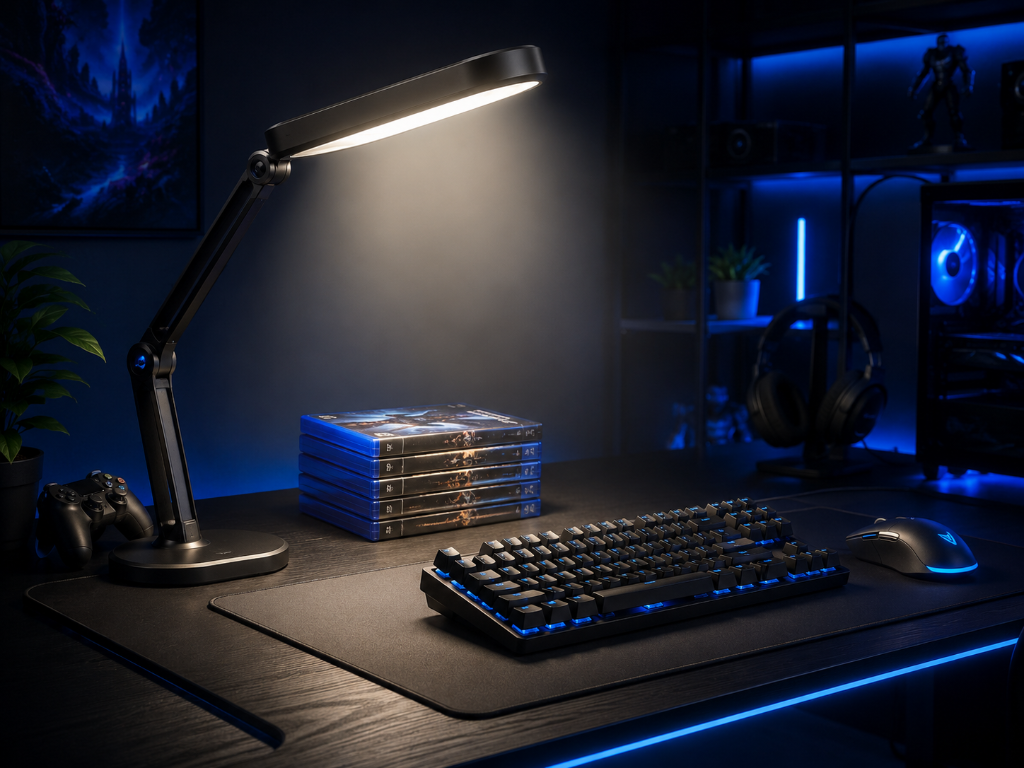
Desk lighting can improve gaming, but not always for the reason beginners think.
When people talk about gaming lighting, they often focus on RGB strips, glowing desk setups, colorful lamps, and aesthetic backgrounds. Those can look great, but they are not the first thing a beginner should worry about.
For video games as a hobby, desk lighting matters most when it improves comfort, visibility, and focus.
The goal is not to make your setup look like a gaming room from social media.
The goal is to create a space where your eyes feel comfortable, your desk is easy to use, and the screen does not feel harsh during longer sessions.
If you’re still learning which accessories matter first, our Beginner’s Guide to Gaming Accessories can help you understand the basics before spending money on extras.
Start With Visibility Before Vibes
Imagine a beginner building their gaming setup.
They turn off the lights, sit in front of the screen, and start playing. At first, the dark room feels immersive. The game looks bright and dramatic. But after a while, their eyes feel tired. The screen feels too intense. They lean closer. Their focus starts dropping.
They think, “Maybe I need expensive RGB lighting.”
Now imagine a more methodical beginner.
They separate lighting into two jobs.
First, they add soft functional lighting so the room is not completely dark. The screen no longer feels like the only bright object in the room. Their eyes feel less strained, and the desk is easier to use.
Then, later, they add aesthetic lighting because they enjoy the mood it creates.
The difference is simple.
One beginner starts with appearance.
The other starts with function.
Functional Lighting Comes First
Desk lighting helps gaming when it solves a real setup problem.
There are two main types of lighting to understand:
Functional lighting helps you see clearly and feel comfortable.
Aesthetic ambiance makes the setup look better, moodier, or more personal.
Functional lighting should come first.
A basic desk lamp, soft room light, or bias light behind the monitor can reduce harsh contrast between the screen and the room. The outcome is simple: your eyes do not have to work as hard when moving between the screen, controller, keyboard, mouse, notes, or desk area.
Aesthetic lighting comes later. RGB strips, colorful lamps, and themed lighting can make the setup feel more fun, cozy, or personal. That can improve the mood of the hobby, but it should not replace basic visibility.
Use this decision rule:
If the lighting helps you see clearly, reduces glare, softens screen contrast, or makes your eyes feel better, it is functional.
If it mainly changes the look of the setup, it is optional ambiance.
Both can be useful, but they do different jobs.
For beginners, start with these questions:
Can I see my desk clearly?
Does the screen feel too bright compared to the room?
Is there glare on the monitor or TV?
Do my eyes feel tired after playing?
Can I find my controller, keyboard, mouse, headset, or accessories without squinting?
Does the light shine directly into my eyes or reflect on the screen?
If your answer shows a comfort or visibility problem, desk lighting can improve the experience.
If your setup already feels comfortable, then aesthetic lighting is optional. You do not need RGB lights to start gaming correctly.
A simple soft light placed away from your eyes and screen is often enough. For many beginners, the best first upgrade is not a colorful setup. It is a setup that feels easier to use.
Test the Light Before Buying More
Desk lighting is like headlights in fog: it doesn’t directly make you drive faster, but it can make everything easier to see, less tiring, and more comfortable—so your gaming experience feels better.
Before buying gaming lights, test your setup with one simple light source.
Play for one session with the room completely dark, then another session with soft lighting near or behind your setup. Notice which one feels easier on your eyes and helps you stay focused.
Start with functional lighting first. Add aesthetic ambiance later only if it makes your gaming space feel more enjoyable.
After adjusting your lighting, explore more practical setup improvements in our Setup Zone category page.
Leave a Reply