
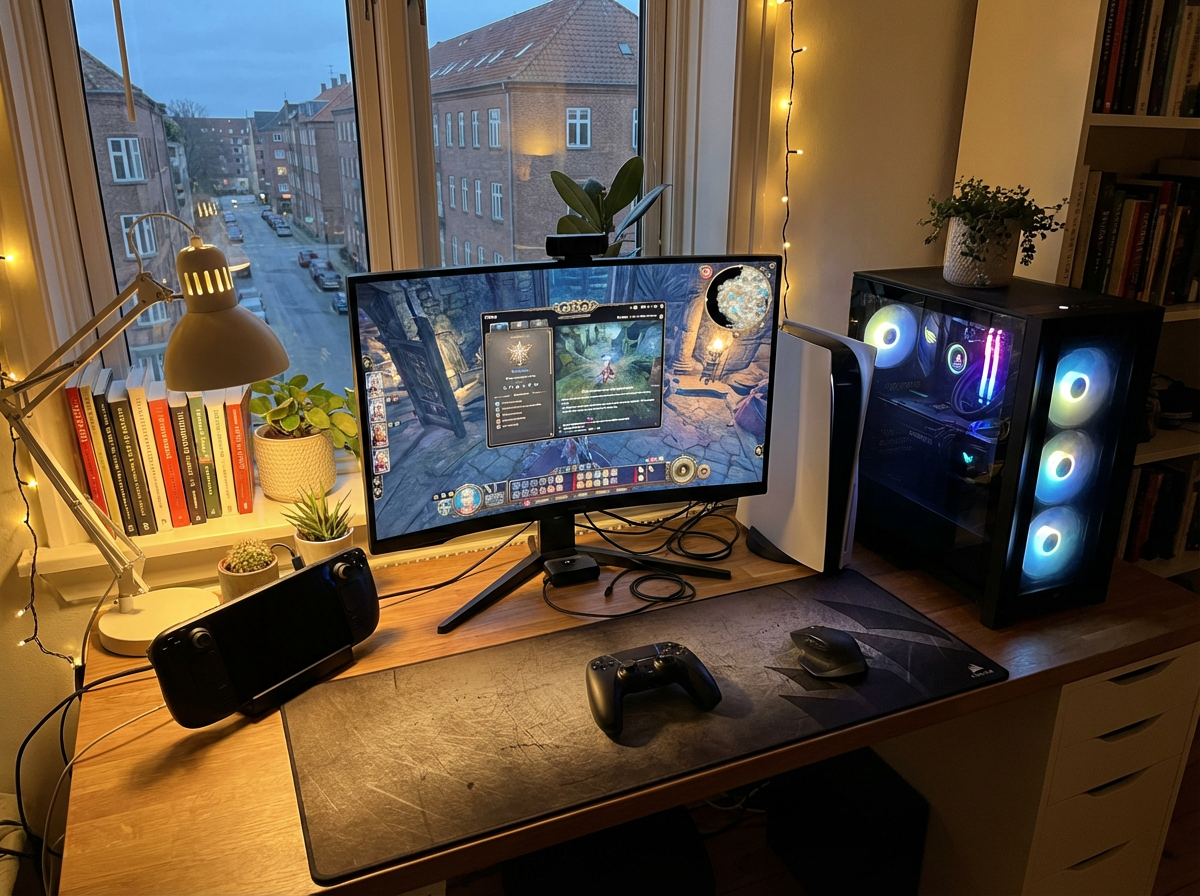
When you treat video games as a hobby, your controller becomes part of your system—not just an accessory. For builders and hobbyists, systems matter.
A cross-platform controller sounds ideal: one device, multiple systems, less clutter. But is it actually practical for your setup? Or does it introduce trade-offs that reduce stability or features?
The answer starts with one principle: match controller compatibility to your current and near-future gaming plans.
If you missed our Beginner’s Guide to Gaming Controllers, start there for foundational knowledge.
Stop Switching, Start Playing
A new gamer begins on console. Months later, they add a gaming PC. Then they try cloud gaming on a tablet.
Now they have three environments.
Option one: buy a dedicated controller for each platform—maximum compatibility, higher cost.
Option two: invest in a cross-platform controller—greater flexibility, possible compromises.
Instead of guessing, we evaluated their setup methodically:
- Which platform do you use most?
- Are you planning to upgrade consoles soon?
- Do you need Bluetooth, wired USB, 2.4GHz wireless—or all three?
- Do you care about platform-exclusive features like adaptive triggers, haptic feedback, or console UI integration?
Only after answering those questions did the right choice become obvious.
A Jack of All Trades or Specialized Tool?
Use this checklist before buying:
Games
Not all PC games support controllers equally. Some offer full controller UI; others are optimized for keyboard and mouse. Check in-game settings first. If your main titles don’t benefit from controller play, cross-platform flexibility won’t matter.
Features
Cross-platform controllers may not fully support console-exclusive features (advanced haptics, system-level voice chat integration, native menu navigation). Confirm which features work on each platform—not just that it “connects.”
Hardware Connectivity
Verify connection methods:
- USB-C or USB-A
- Bluetooth compatibility version
- 2.4GHz wireless dongle support
- Audio pass-through (3.5mm jack support on PC vs console)
“Compatible” doesn’t always mean “fully functional.”
Software & Drivers
On PC, check OS compatibility (Windows, macOS, Linux). Some controllers require manufacturer software for firmware updates or button remapping. Confirm long-term update support from the brand.
Primary Platform Priority
If you spend 80% of your time on one console, a native controller may offer tighter integration and fewer edge-case issues.
Budget Reality
A single high-quality cross-platform controller can be cost-effective if you truly use multiple systems. But if you rarely switch platforms, the flexibility may go unused.
Final Key
“Cross-platform” is a marketing label. Always verify compatibility and reliability with your specific console version, OS version, and connection method.
Pros of Cross-Platform Controllers:
- One controller across multiple devices
- Reduced clutter
- Potential long-term savings
- Ideal for gamers expanding into PC or mobile
Cons:
- Partial feature support on some consoles
- Firmware updates and occasional troubleshooting
- Slightly more technical setup
- Higher upfront cost
For hobbyists, this is a system decision—not an impulse purchase.
If you’re staying on one console long-term, a dedicated controller maximizes stability.
If your setup is evolving, cross-platform flexibility can reduce friction and protect your investment.
Build for Where You’re Going
A cross-platform controller is like a Swiss Army knife: powerful when you truly need versatility.
Before buying, map out your current gaming environment and your next 12–24 month plans.
Video games as a hobby reward thoughtful system-building. Choose a controller that supports where you are—and where you’re going.
Explore more structured setup guides inside our Setup Zone.
Leave a Reply