
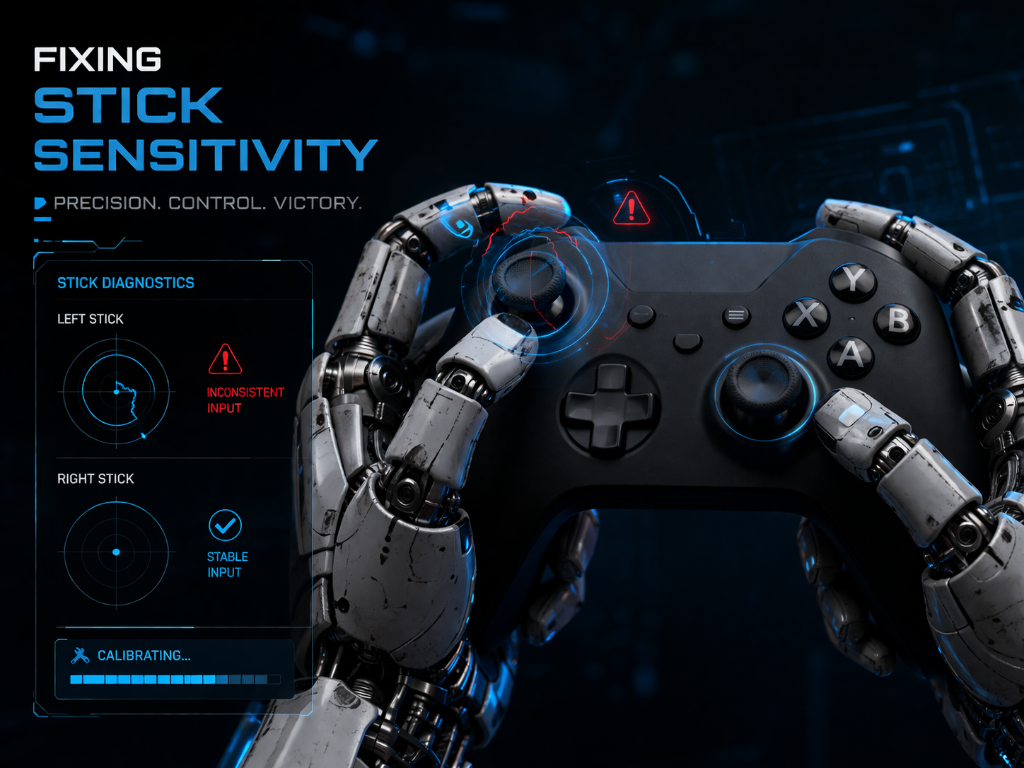
Your character moves—but not the way you expect.
You aim slightly… and overshoot.
You try to adjust… and overcorrect again.
Everything feels inconsistent.
This is one of the most common early frustrations in video games as a hobby.
But here’s the key: Inaccurate movement isn’t random—it’s a control mismatch you can fix quickly.
If you’re still learning what makes a controller feel right, visit our Beginner’s Guide to Gaming Controllers for a simple foundation before refining your control.
From Overcorrecting to Control
A beginner starts playing and notices something frustrating:
Every movement feels off. They push the stick, miss the target, then quickly adjust—only to miss again.
It feels like the game is too sensitive or unpredictable.
So they assume:
“I’m just not good at this.”
Another player experiences the same issue—but instead of reacting faster, they slow down. They lower sensitivity slightly. They move the stick in smaller, controlled motions.
Within minutes, their aim stabilizes. The difference wasn’t talent. It was control.
Fix Movement Step-by-Step
Follow this exact sequence:
Step 1: Lower Stick Sensitivity Slightly
- Open your game settings
- Reduce sensitivity in small increments (avoid large changes)
You’ll know it’s working if:
- Movements feel slower but more predictable
- You overshoot less often
Step 2: Use Small, Controlled Thumb Movements
- Avoid pushing the stick to its full range
- Use short, precise movements instead
You’ll know it’s working if:
- Your aim feels smoother
- You can stop closer to your target
Step 3: Stop Overcorrecting
- Make one adjustment at a time
- Pause briefly before correcting again
You’ll know it’s working if:
- You stop “zig-zagging” around targets
- Movements feel deliberate instead of reactive
Step 4: Test in Short, Controlled Bursts
- Practice on simple targets or slow scenarios
- Focus on control, not speed
You’ll know it’s working if:
- Your accuracy improves within a few minutes
- Your inputs feel consistent instead of rushed
Step 5: Adjust One Variable at a Time
- If it still feels off, tweak only sensitivity—not everything
- Re-test before making another change
You’ll know it’s working if:
- Each adjustment produces a clear, noticeable difference
Action Step
Lower stick sensitivity slightly and use small, controlled thumb movements to maintain steady aim instead of overcorrecting.
Key Principle
Accuracy comes from control—not speed.
Fix It Now
Think of your controller like a remote: if the input is too sensitive or inconsistent, even correct actions can feel inaccurate—not because you’re wrong, but because the response isn’t tuned properly.
Pause your game.
- Lower your sensitivity slightly
- Make 5 slow, controlled movements
- Focus on stopping exactly where you intend
Do this for 2–3 minutes.
You’ll feel the difference immediately—and that’s how control begins.
Once your controller feels consistent, continue improving your setup inside the Setup Zone to build a more controlled gaming experience.
Leave a Reply