
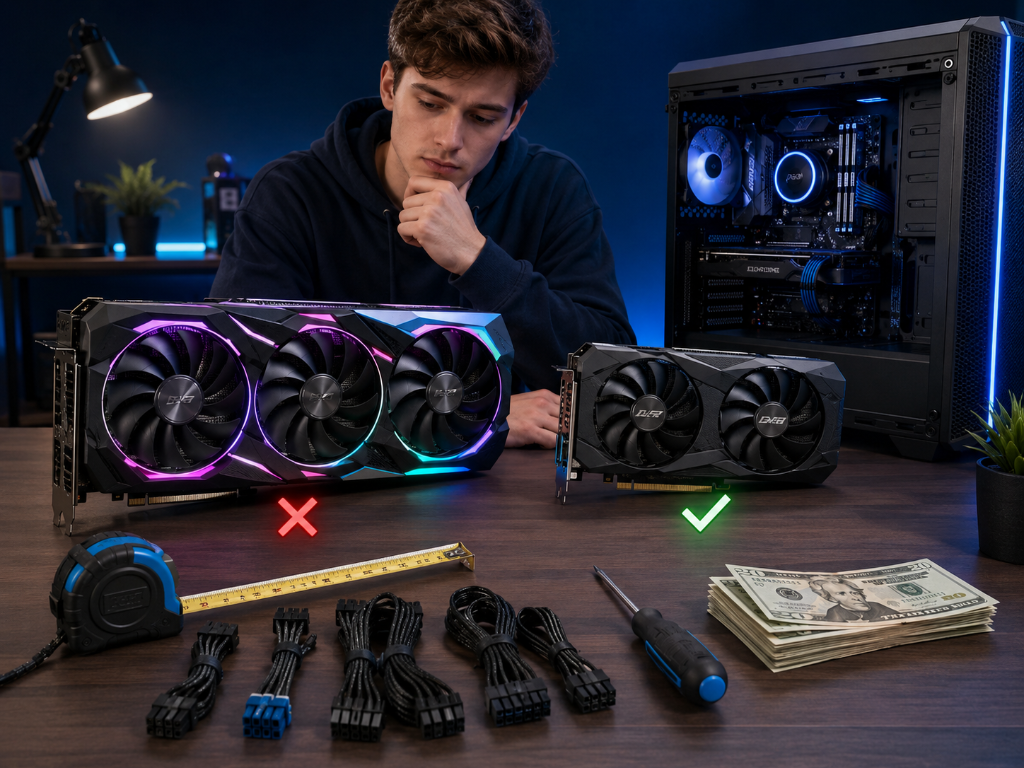
One of the most frustrating parts of building a gaming setup is not always the hardware itself—it is the small beginner mistakes that quietly create performance problems later.
Games start stuttering.
Temperatures feel high.
The system feels unstable.
And beginners immediately assume something is broken.
But for video games as a hobby, many GPU problems come from simple setup mistakes that are completely fixable.
That is important to understand because beginner mistakes are normal during the learning process.
The goal is not to avoid every mistake perfectly.
The goal is to recognize problems early, correct them calmly, and improve the setup over time.
If you’re still learning how gaming graphics cards affect performance and stability, our Beginner’s Guide to Gaming GPUs can help you understand the basics before troubleshooting problems.
The Beginner Who Thought the GPU Was Defective
Imagine a beginner installing a new graphics card for the first time.
At first, everything seems fine.
But after a few gaming sessions, problems begin appearing:
- Lower FPS than expected
- Loud fan noise
- Random stuttering
- Higher temperatures
The beginner immediately assumes the GPU is faulty.
They start researching replacement hardware and worrying they wasted money.
Now imagine a more methodical beginner.
Instead of panicking, they begin checking common beginner setup errors first.
They discover:
- The monitor cable was plugged into the motherboard instead of the GPU
- Drivers were outdated
- The PC airflow was restricted
- Graphics settings were pushed unnecessarily high
Once those issues are corrected, the system suddenly performs much better.
The beginner realizes something important:
Many GPU “problems” are actually setup problems.
That changes troubleshooting from stressful guessing into a manageable process.
Most Beginner GPU Problems Have Simple Causes
Many beginner GPU problems come from small setup mistakes that create larger performance symptoms later.
The good news is that most of them are fixable.
Mistake 1: Plugging the Monitor Into the Motherboard
One of the most common beginner mistakes is connecting the monitor to the motherboard instead of the graphics card.
This can prevent the GPU from handling gaming properly.
The fix is simple:
Move the monitor cable directly into the GPU ports on the back of the PC.
You will know this is working if:
- FPS improves
- GPU usage increases normally
- Games feel smoother
- Performance matches expectations more closely
Mistake 2: Skipping Driver Updates
Outdated GPU drivers can create:
- Crashes
- Poor performance
- Visual glitches
- Game instability
- Compatibility issues with newer games
Updating drivers is often one of the fastest beginner fixes available.
A useful beginner habit:
Check for GPU driver updates periodically instead of waiting for major problems.
Mistake 3: Using Overly Aggressive Graphics Settings
Many beginners assume “Ultra settings” automatically create the best gaming experience.
But unstable FPS, overheating, loud fans, and stuttering often feel worse than slightly lower visual quality.
This creates an important beginner decision rule:
Stable gameplay usually matters more than maximum graphics settings.
For many hobby gamers, Medium or High settings already provide an excellent experience.
Mistake 4: Ignoring Airflow and Dust
Dust buildup, blocked vents, or cramped PC placement can increase temperatures unnecessarily.
Poor airflow can slowly reduce performance over time even if the GPU itself is functioning normally.
Simple airflow improvements often solve temperature problems faster than expensive upgrades.
Check for:
- Dust buildup
- Blocked vents
- Tight PC placement against walls or furniture
- Poor airflow inside the case
Mistake 5: Changing Too Many Settings at Once
When beginners adjust everything simultaneously, they cannot identify what actually fixed—or caused—the issue.
This often creates more confusion during troubleshooting.
The better recovery approach is:
- Change one thing
- Test the result
- Observe performance
- Repeat if needed
That keeps troubleshooting manageable instead of overwhelming.
Mistake 6: Assuming Every Problem Requires New Hardware
Not every stutter, crash, or FPS drop means the GPU is failing.
Sometimes the real issue is:
- Drivers
- Heat
- Settings
- Background programs
- Power connections
- Game optimization
This is an important beginner expectation:
Troubleshooting should come before replacing hardware.
Perform a Beginner GPU Recovery Check Today
Common GPU mistakes are like small maintenance issues in a machine: if ignored, they slowly affect performance, stability, and reliability—but many problems can be fixed early with simple checks.
Right now, check these six things:
- Is the monitor plugged into the GPU?
- Are GPU drivers updated?
- Are graphics settings too aggressive?
- Is airflow blocked or dusty?
- Have you changed too many settings at once?
- Are GPU temperatures and fan behavior stable during gaming?
Then fix one issue at a time and test performance afterward.
Most beginner GPU problems are not permanent hardware failures.
They are usually small setup mistakes that become much easier to solve once you slow down and troubleshoot methodically.
After improving your GPU setup and stability, explore more practical upgrade and optimization strategies in our Setup Zone category page.
Leave a Reply