
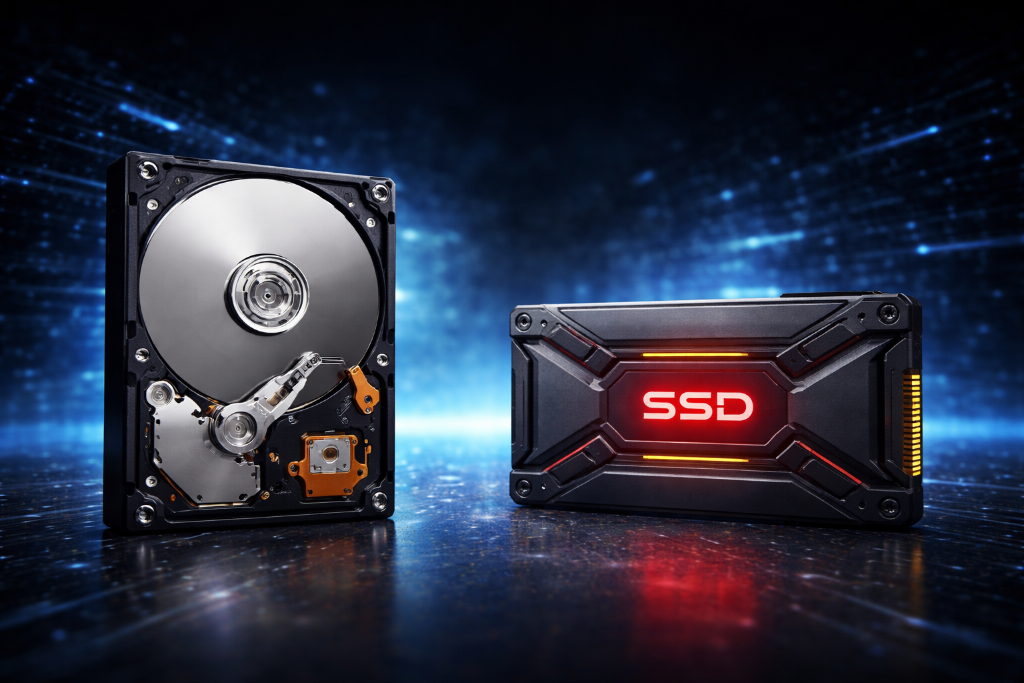
When starting video games as a hobby, storage can seem simple—just “space for your games.” But terms like SSD, HDD, NVMe, and load speeds quickly make it feel more technical than it needs to be.
As a builder or hobbyist, you don’t need to understand every detail. You only need to understand this:
Storage controls how fast your games load and how responsive your system feels.
This guide translates storage complexity into clear outcomes—so you can build your setup with confidence and without friction.
If you’re just starting out, read How to Start Gaming as a Beginner, your first step.
From Waiting to Playing
A beginner installs their games on a traditional hard drive (HDD). Everything works—but every session starts with long loading screens, slow launches, and delays when entering new areas.
They assume it’s normal.
Another beginner installs their games on an SSD. The same games load quickly, menus respond instantly, and transitions feel smooth.
The difference isn’t graphics or FPS—it’s time and responsiveness.
One setup creates waiting. The other creates flow.
That’s the real role of storage.
Translate Storage Into Outcomes
Focus on what storage does for your experience:
Storage Type (biggest impact)
- HDD → slower, cheaper, large capacity (best for storage, not performance)
- SSD → fast, responsive, ideal for gaming
SSD Types (practical difference)
- SATA SSD → already a major improvement over HDD
- NVMe SSD → faster on paper, but small real-world difference for most games
Capacity (how much you can install)
- 500GB → fills quickly (modern games are large)
- 1TB → strong starting point
- 2TB+ → flexibility for growing libraries
What Storage Affects
- Game launch speed
- Loading screens
- Open-world streaming (reduces stutter when moving through environments)
- Overall system responsiveness
What Storage Does NOT Affect
- FPS (frame rate)
- Graphics quality
Key Principle:
Use an SSD for active games. Use HDD only for storage or backup.
Reduce Overwhelm
Ignore early:
- NVMe generation differences (Gen 3 vs Gen 4 vs Gen 5)
- Benchmark speeds
- Advanced configurations (RAID, partition tuning)
Focus on:
SSD → enough space → correct installation
Common Gaming Storage Mistakes
Using only an HDD for gaming
→ Meaning: Slow loading and delayed gameplay flow
→ Why: Mechanical drives can’t keep up with modern game data
Buying too little storage
→ Meaning: Constant deleting and reinstalling
→ Why: Underestimating game sizes (many exceed 50–100GB)
Chasing speed over capacity
→ Meaning: No noticeable improvement
→ Why: Most SSDs already remove major bottlenecks
Installing games on the wrong drive
→ Meaning: Poor performance despite owning an SSD
→ Why: Games default to slower storage
Builder Mindset
- Start with an SSD (1TB recommended)
- Install your most-played games
- Observe load times and responsiveness
- Manage space (remove unused games)
- Expand storage only when needed
You scale storage based on usage—not assumptions.
Before You Buy
- How many games will I actively play at once?
- Does my system support SSD/NVMe (slots and ports)?
- Do I need fast access or just more storage space?
- Can I add more storage later?
While Playing
- Are load times interrupting my experience?
- Do I notice delays entering new areas?
- Is my storage nearly full?
After Issues Appear
- Are long load times caused by using an HDD?
- Would moving games to an SSD fix the issue?
- Do I need more space instead of more speed?
You’re Doing It Right
Storage feels technical because of how it’s described—but in practice, it’s straightforward.
If your games load quickly and your system feels responsive, your storage is doing its job.
You don’t need the fastest drive.
You need a reliable setup that matches how you play.
Build for Speed, Then Expand
Think of storage like a library. Faster shelves (SSD) let you access games instantly. More shelves (capacity) let you store more.
Start with speed. Expand when needed.
Video games as a hobby reward smooth experiences and practical decisions—not unnecessary complexity.
When you’re ready to go further, visit the Next-Level Gaming category—where your setup evolves into a complete, optimized system.
Leave a Reply