
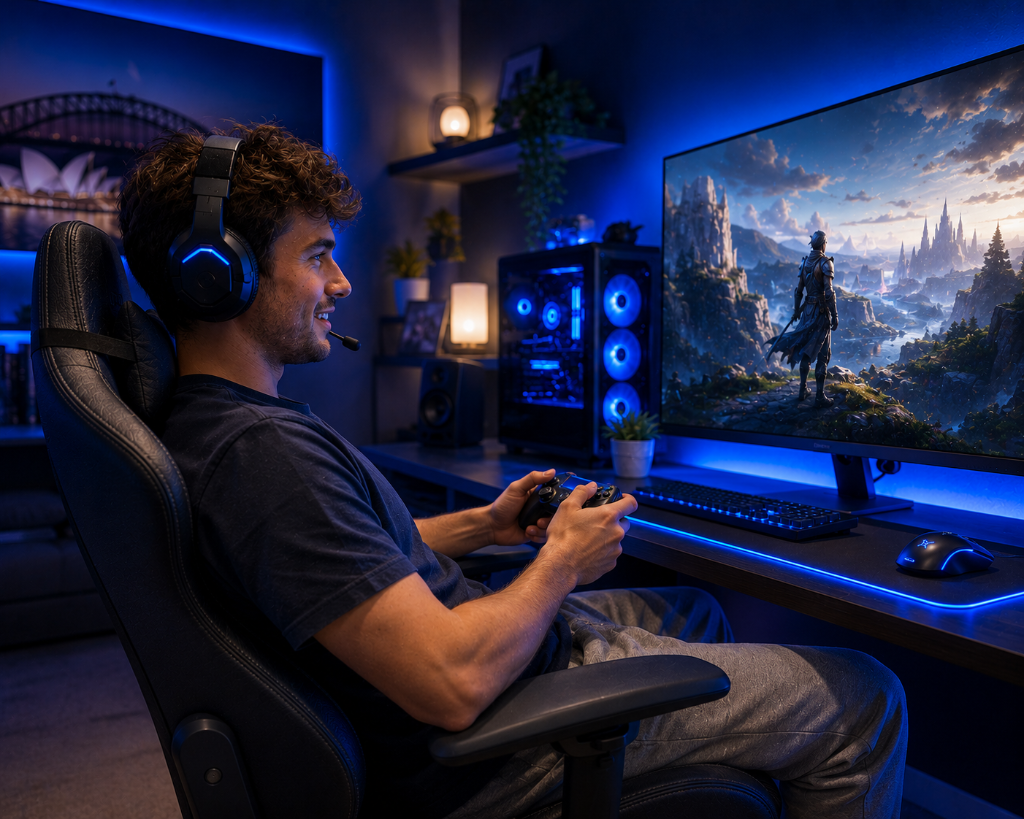
Gaming should feel enjoyable, not physically exhausting.
But when you are new to video games as a hobby, comfort may not be the first thing you think about. You may focus on the game, the console, the controller, the graphics, or whether you are “good enough” to play.
Then discomfort starts showing up.
Your hands feel tense. Your eyes feel tired. Your back starts aching. Your shoulders tighten. You feel rushed, frustrated, or mentally drained after only a short session.
That can make a beginner wonder:
“Is gaming supposed to feel like this?”
“Am I sitting wrong?”
“Do I need better equipment?”
“Maybe this hobby just isn’t for me.”
The answer is usually simpler than that.
Comfortable gaming is not about having the perfect setup. It is about noticing what your body and mind are telling you, then making small adjustments so the hobby feels easier to continue.
The goal is not to play longer just because you can.
The goal is to play in a way that feels relaxed, sustainable, and enjoyable.
Looking for more beginner-friendly gaming topics? Visit the XP Levels Blog for simple guides that help you explore video games as a hobby without turning play into pressure.
Tiny Comfort Adjustments
Imagine someone trying gaming for the first time after hearing how fun it can be.
They sit on the couch, grab a controller, and start playing. At first, everything feels exciting. The game looks interesting, the world feels new, and they are curious enough to keep going.
After a while, small problems begin to build.
They lean forward without noticing. Their hands grip the controller too tightly. The screen feels bright. The room is dark. They forget to pause. They keep replaying the same difficult section because they want to “push through.”
By the end of the session, they feel tired and irritated.
Instead of thinking, “My setup needs adjustment,” they think, “Gaming feels stressful.”
Now imagine a different beginner.
They play the same game, but they treat comfort as part of the experience. They sit where their back feels supported. They keep the controller relaxed in their hands. They lower the brightness a little. They turn on a soft room light. They pause after a difficult section instead of forcing another attempt immediately.
They still make mistakes. They still get stuck. But the session feels better.
The difference is not skill.
The difference is that one beginner ignored strain until it became stress, while the other used discomfort as a signal to adjust.
That is the key to comfortable gaming.
Comfort vs. Decoration
Comfortable gaming becomes easier when you stop thinking of comfort as decoration and start thinking of it as feedback.
When something feels uncomfortable, your body or mind is usually telling you that one part of the experience needs adjustment.
Hand strain may mean you are gripping the controller too hard, pressing buttons harder than needed, playing too long without breaks, or using a control style that does not fit you.
Eye strain may mean the screen is too bright, the room is too dark, the text is too small, the screen is too close, or you are staring without pausing.
Back or neck discomfort may mean your posture, chair, couch, screen height, or distance from the screen needs attention.
Stress may mean the game is moving too fast, the difficulty is too high, the controls feel unfamiliar, or you are trying to learn too much at once.
The point is not to blame yourself.
The point is to ask what the discomfort is trying to show you.
Gaming comfort usually comes from a few basic areas:
Your body position
You should be able to sit or stand in a way that feels natural. Your shoulders should not stay raised. Your neck should not feel forced forward. Your hands should not feel locked into one tense position.
Your screen and lighting
You should be able to see clearly without squinting, leaning, or fighting glare. A dark room with a bright screen may feel immersive at first, but it can become tiring over time.
Your controls
A controller, keyboard, mouse, or touchscreen should feel manageable. At the beginning, controls may feel awkward because they are new. But sharp pain, constant tension, numbness, or extreme discomfort means something needs to change.
Your session length
A beginner does not need long gaming sessions. Short sessions are often better because they let you learn without overload.
Your mental pace
Some games are relaxing. Some are intense. Some require fast reactions. Some require patience. If a game constantly leaves you tense or frustrated, it may not be the right first fit, or it may need easier settings.
Comfort is not separate from the hobby. It is part of what helps video games become a hobby you can return to.
A game that is fun for ten minutes but leaves you strained for an hour is not giving you the best experience. A simple setup that lets you play comfortably is often better than an impressive setup that makes you tense.
The Two Types of Gaming Comfort
Comfort is not only physical.
For beginners, gaming comfort usually has two parts: body comfort and mind comfort.
Body comfort is about how the setup feels. This includes your hands, eyes, back, neck, shoulders, seating, screen, lighting, and controls.
Mind comfort is about how the game feels to play. This includes difficulty, pressure, confusion, pace, frustration, and whether you feel rushed.
Both matter.
A game can be physically comfortable but mentally stressful. For example, you may sit in a good chair with a clear screen, but the game may move too fast or punish mistakes too harshly.
A game can also be mentally enjoyable but physically uncomfortable. For example, you may love the game, but your hands, eyes, or back may feel strained after playing.
The best beginner experience supports both.
You want a setup that feels comfortable and a game that gives you enough room to learn.
What to Ignore for Now
When thinking about comfortable gaming, ignore anything that makes the setup feel more complicated than it needs to be.
Ignore expensive gaming chairs.
Ignore perfect desk setups.
Ignore complex ergonomic guides.
Ignore premium accessories.
Ignore pressure to play for hours.
Ignore people who say discomfort is just part of gaming.
Ignore the idea that you must copy someone else’s setup.
Ignore the belief that comfort only matters after you become a serious gamer.
For now, focus on basics:
Can you sit comfortably?
Can you see the screen clearly?
Can you hold the controller or use the keyboard without tension?
Can you pause when you need to?
Can you stop before frustration turns into stress?
Does the game match your current energy level?
That is enough to begin.
You can improve the setup later if the hobby becomes a bigger part of your life.

Common Gaming Comfort Mistakes
If your hands feel sore, it does not mean you are bad at gaming.
It may mean you are gripping too tightly, pressing buttons harder than needed, or playing too long without rest.
If your eyes feel tired, it does not mean screens are automatically a problem for you.
It may mean your brightness, room lighting, distance, glare, or text size needs adjustment.
If your back or neck hurts, it does not mean you need an expensive chair right away.
It may mean your screen position, seating angle, posture, or session length needs a simple change.
If you feel tense during every session, it does not mean gaming is not for you.
It may mean the game is too intense, too difficult, too fast, or not aligned with the kind of experience you want.
If you feel drained after playing, it does not mean you failed to enjoy the hobby correctly.
It may mean the session was too long, too demanding, or missing breaks.
If discomfort continues after you stop playing, that is worth taking seriously.
Normal beginner awkwardness may fade as you adjust. Sharp pain, numbness, strong eye strain, or discomfort that keeps returning is a sign to stop, rest, and change something before playing again.
Discomfort is not a final verdict.
It is information.
Builder’s Mindset
Comfortable gaming is built through small adjustments.
Start with a simple setup.
Play for a short session.
Notice what feels good and what feels uncomfortable.
Adjust one thing.
Try again.
For example:
If your eyes feel tired, lower the brightness or add soft room lighting.
If your hands feel tense, loosen your grip and take a short break.
If your back hurts, change your seating position or move the screen.
If you feel stressed, lower the difficulty or choose a slower game.
If you feel overwhelmed, shorten the session and come back later.
This process keeps comfort practical. You are not trying to build the perfect setup all at once. You are learning what helps you enjoy gaming without unnecessary strain.
The more you observe and adjust, the easier the hobby becomes.
Simple Comfort Check
Before deciding that gaming feels stressful, run a quick comfort check.
Check your hands.
Are you gripping too tightly?
Check your shoulders.
Are they raised or tense?
Check your screen.
Is it too bright, too dim, too close, or hard to read?
Check your room.
Is the lighting causing glare or heavy contrast?
Check your posture.
Are you leaning forward without noticing?
Check your pace.
Are you playing because you still want to, or because you feel like you have to keep going?
This quick check helps you catch small problems early. Most beginner discomfort does not need a complicated solution. It needs one useful adjustment at the right time.
Before Playing
Before playing, ask:
Where will I sit or stand while playing?
Can I see the screen without leaning forward?
Is the room too dark, too bright, or full of glare?
Do my hands feel relaxed with the controller, keyboard, mouse, or touchscreen?
How long do I want this session to be?
Am I choosing a game that fits my current energy level?
Do I have permission to stop when I feel tired or frustrated?
What is one comfort adjustment I can make before starting?
These questions help you begin with fewer problems before the session starts.
During Gaming
While playing, ask:
Am I gripping the controller too tightly?
Are my shoulders raised or tense?
Am I leaning forward without noticing?
Do my eyes feel tired or strained?
Am I still enjoying the game, or am I just pushing through?
Would a pause help me reset?
Is the game challenging in a fun way, or stressful in a draining way?
Do I need to adjust the screen, lighting, sound, difficulty, or session length?
These questions help you notice strain before it becomes a bigger issue.
After Playing
After discomfort, stress, or frustration appears, ask:
What felt uncomfortable first?
Was the issue physical, mental, or both?
Did I play too long without a break?
Was the screen too bright, too small, too far, or too close?
Did the controls feel awkward because they are new, or because the setup does not fit me?
Was the game too intense for the kind of session I wanted?
Did I ignore early signs of strain because I wanted to keep going?
What one adjustment can I make before playing again?
These questions help you fix the experience instead of blaming yourself or the hobby.
Nicely Done
It is normal for beginners to feel awkward at first.
Gaming uses your eyes, hands, attention, memory, timing, and patience at the same time. That can feel like a lot when you are new. You may not know how tightly to hold the controller. You may forget to blink. You may lean forward during difficult moments. You may play longer than planned because you want to finish one more section.
That does not mean you are doing everything wrong.
It means you are learning how this hobby fits your body, your space, and your energy.
You are allowed to pause.
You are allowed to play shorter sessions.
You are allowed to lower the difficulty.
You are allowed to change seats.
You are allowed to adjust brightness.
You are allowed to stop before the game stops being enjoyable.
You are allowed to choose a calmer game if the current one feels too intense.
Comfort is not weakness. Comfort is what makes the hobby easier to return to.
Plan for Comfort
Comfortable gaming is like a long, well-planned drive: adjust your seat and mirrors, keep your hands relaxed, take regular rest stops, and you will arrive refreshed rather than sore.
Comfortable gaming starts with paying attention.
Choose one game. Set up a simple place to play. Start with a short session. Notice how your hands, eyes, posture, and mood feel. Then adjust one thing before the next session.
Do not wait until gaming feels stressful to make changes.
Video games as a hobby should feel inviting, not exhausting. Start simple, reduce strain, and build a way of playing that you can enjoy over time.
Ready to explore games that match your energy, pace, and comfort level? Continue your journey in Exploring Gaming, where you can compare different play styles and find beginner-friendly experiences that feel easier to enjoy.
Leave a Reply