
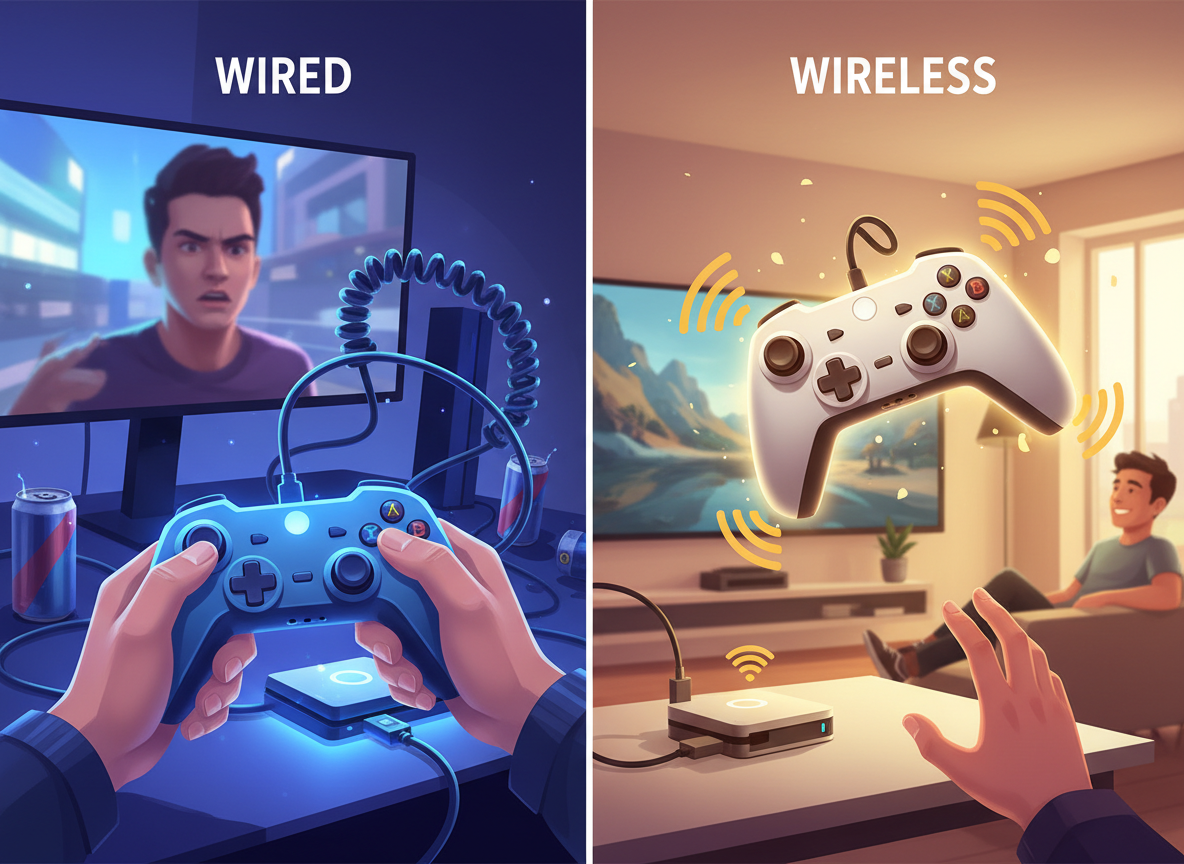
One of the first decisions beginners encounter is whether to use a wired or wireless gaming controller.
Wireless controllers offer freedom of movement and a cleaner setup. Wired controllers offer stability and simplicity. Both work well, but they serve different priorities.
For builders and hobbyists, the real question isn’t which option is “better.” The real goal is matching the connection type to your reliability needs and gaming environment.
If you want a full overview of controller basics, start with our Beginner’s Guide to Gaming Controllers, the foundation for new players.
Flexible or Focused
A new gamer sets up their console in the living room and chooses a wireless controller because it feels modern and convenient. At first everything works well. But occasionally the battery runs low during long sessions, interrupting gameplay.
Later, while experimenting with PC gaming at a desk, they try a wired controller. The connection becomes instant and predictable—no pairing, no battery management, no interruptions.
The experience reveals something important. The wireless controller wasn’t wrong, and the wired controller wasn’t superior. Each simply matched a different gaming environment.
Wireless worked well for relaxed couch gaming. Wired worked better for a focused desk setup where reliability and quick connection mattered most.
Decision Guidance & Trade-Off Checklist
Before choosing between wired or wireless, evaluate how you actually play.
Game Session Length
If you regularly play for several hours, battery management becomes important for wireless controllers.
Platform Compatibility
Consoles often favor their native wireless controllers. PCs usually support both wired and wireless options with more flexibility.
Hardware Connections
Confirm the controller has the correct connection method for your system:
- USB (wired)
- Bluetooth (wireless)
- 2.4GHz wireless adapters or proprietary receivers
Play Style
- Relaxed couch gaming or party games → wireless convenience works well.
- Focused gameplay at a desk or gaming chair → wired reliability may be better.
Typical Play Location
Wireless controllers are ideal when you sit far from the screen. Wired controllers work best when you’re already near your system.
Reliability and Performance
Wired connections remove battery and pairing issues. Wireless controllers depend on signal strength and battery power.
Durability and Brand Quality
Reliable brands typically offer stronger wireless connectivity and better cable durability.
Setup Time
Wired controllers are usually plug-and-play. Wireless controllers require pairing and occasional reconnection.
Budget Considerations
Wireless controllers may require batteries, chargers, or rechargeable packs over time.
Battery Life
Look for controllers with strong battery life if you choose wireless.
Warranty and Support
For higher-priced controllers, a warranty can protect your investment.
Comparing the Connection Types
Wired Controllers
Pros
- Stable and consistent connection
- No batteries or charging required
- Often easier to troubleshoot
- Ideal for desk gaming or PC setups
Cons
- Limited movement due to cable length
- Additional cables can create desk clutter
Wireless Controllers
Pros
- Greater freedom of movement
- Cleaner living room setup
- Ideal for couch gaming or multiplayer sessions
Cons
- Requires charging or battery replacement
- Possible wireless interference in crowded environments
- Slightly more setup for pairing or reconnecting
For beginners, reliability should be the first priority. Many hobbyists start with wired controllers while learning their system because the connection is simple and predictable. As their gaming setup expands, wireless controllers can add flexibility and comfort.
Choose the Connection That Fits Your Setup
A simple comparison can help:
Wired controllers are like landlines—stable and always ready.
Wireless controllers are like smartphones—flexible and convenient, but they need charging and occasional troubleshooting.
Before choosing a controller, think about where and how you play most often. Desk setups usually benefit from the reliability of wired connections, while living room gaming often benefits from wireless convenience.
Video games as a hobby reward thoughtful system-building. Choose the connection type that supports a reliable and comfortable gaming environment.
Once your controller setup is dialed in, explore more configuration tips in the Setup Zone.
Leave a Reply