
After a few hours of gameplay, your skill bar fills with new abilities. You’re trying to reach keys on the keyboard while firing with the mouse, but a group of monsters surrounds your character and your health drops to zero. At that moment, you think, “I need a gaming mouse with more buttons so I can react faster.”
The good news is that choosing a gaming mouse doesn’t have to be complicated. You only need a few beginner-friendly features to make your games smoother, more comfortable, and more enjoyable.
A Gaming Mouse with Options
After years of testing my gaming setup, I’ve used both regular computer mice and real gaming mice. My first mouse had only three buttons—left click, right click, and a scroll wheel. It worked, but it was limited. Once I started playing games with many abilities and hotkeys, I learned the hard way that a basic mouse wasn’t enough.
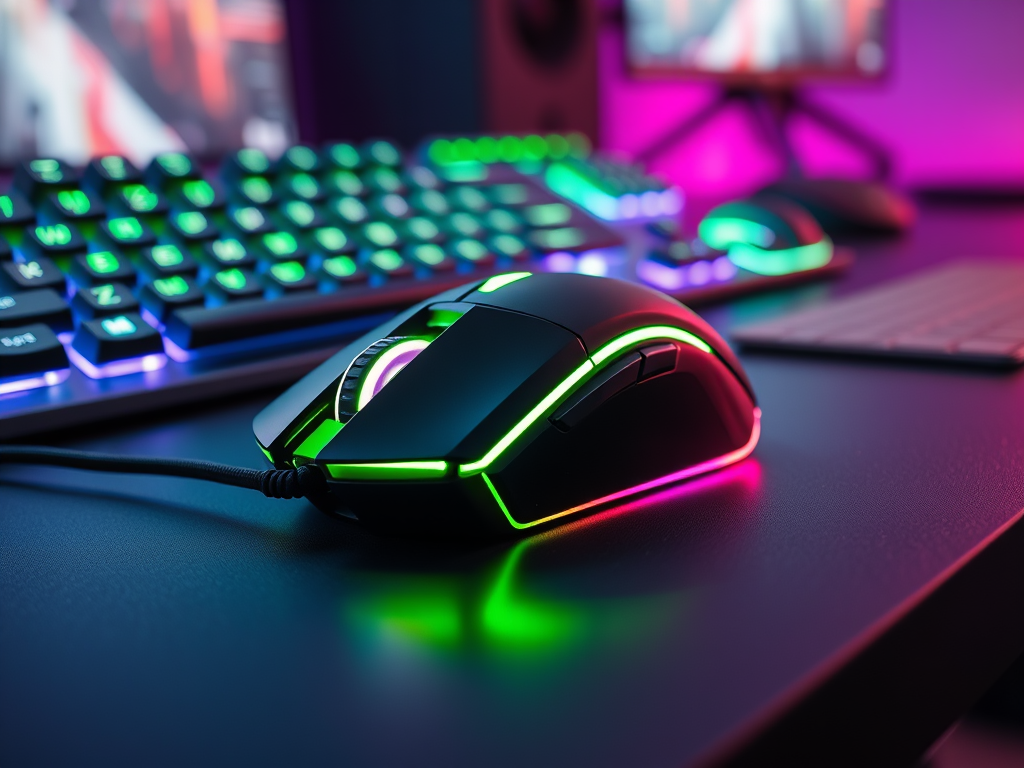
That’s when I invested in my first gaming mouse. My first one was budget-friendly with only a few buttons. Later, as my needs grew, I bought a Razer mouse with more than eight buttons—neon green and black, wired, and extremely durable.
Today, I use a SteelSeries mouse with fewer buttons but better long-term comfort. I used to believe gaming mice were only for professional players, but I was wrong. The moment I tried a real gaming mouse, everything felt different—smoother movement, better control, and longer sessions without hand fatigue.
After testing multiple models, I realized beginners don’t need advanced features. You just need a mouse that feels good, moves well, and supports your gaming hobby.
Electronic Mouse features
Here’s what beginners should look for in a gaming mouse:
Budget:
Beginner gaming mice usually cost $30–$50. Advanced models can cost $100–$200+, but you don’t need those yet. My Razer mouse cost $80 and lasted over four years—so even mid-range can be a smart buy.
Mood / Style:
Pick a style that matches how you want to feel while gaming. Some mice come in calm colors, others show bright RGB lighting you can customize based on your current mood.
Brands to Consider:
- Logitech
- Corsair
- SteelSeries
- HyperX
- Razer
Comfortable Shape:
Your mouse should fit your hand size and grip style. Measure your current mouse and compare it to the size of the one you want to buy. A perfect fit makes a noticeable difference.
Reliable Sensor:
Avoid ultra-cheap wireless office mice—they often skip or lag. A basic optical sensor is enough for beginners.
Lightweight Design:
A lighter mouse helps with smooth movement and long sessions. Check the weight in the specs—especially if you travel or play on a laptop.
Simple DPI Options (800–1600):
DPI stands for “dots per inch,” which measures mouse sensitivity. Beginners should start with lower DPI for better control.
Two Side Buttons (Optional):
Great for quick actions. If you’re new, avoid mice with too many buttons—you’ll accidentally press them mid-fight.
Wired or Wireless:
- Wired: Cheaper, reliable, no recharging.
- Wireless: Cleaner setup, but needs maintenance and batteries.
For beginners, a simple wired mouse with a cloth-wrapped cable is ideal.
Durability:
Look for solid clicks, smooth scrolling, and good build quality. Razer and SteelSeries are known for lasting years.
Compatibility:
If you play on a console, make sure your mouse is supported. Wireless mice may require Bluetooth or a USB dongle, so double-check what your device allows.
There’s no need to buy high-end models. Start simple with a mouse that improves how your games feel. That’s the most important part for hobby gamers.
Test your Mouse
Now that you understand what to look for, choose a beginner-friendly gaming mouse—something comfortable, durable, and within your budget. Test it in your favorite game and you’ll feel the difference right away.
When you’re ready to continue learning more about gaming, explore our Next-level Gaming category to take your hobby even further.
Leave a Reply